Spatial Touch™
تم التحديث
الإصدار الحالي
1.0.31
تقديم

لا داعي للقلق بشأن الشحن الزائد عند استخدام Spatial Touch™ على هاتفك. تحرر من قيود الشاشة الصغيرة واستمتع به على شاشة أكبر باستخدام لوحة المفاتيح والفأرة. يوفر MEmu جميع الميزات الرائعة التي تتوقعها: تثبيت سريع، إعداد سهل، أدوات تحكم بديهية، ودون قيود على عمر البطارية، أو استخدام البيانات، أو المكالمات الواردة. يُعد MEmu 9 الجديد الخيار الأمثل لتجربة Spatial Touch™ على جهاز الكمبيوتر. بفضل تقنية التشفير الفريدة، يتيح لك مدير الحسابات المتعددة تشغيل حسابين أو أكثر في وقت واحد. والأهم من ذلك، أن محرك المحاكاة الفريد يستغل أداء جهاز الكمبيوتر بالكامل، مما يُحسّن تجربة التطبيق ويجعل كل شيء سلسًا للغاية.
أظهر المزيد
قم بتنزيل Spatial Touch™ على الكمبيوتر بإستخدام جهاز مقلد أندروز MEmu.استمتع بمتعة اللعب على الشاشة الكبيرة. Control your tablet or smartphone without touching the screen!
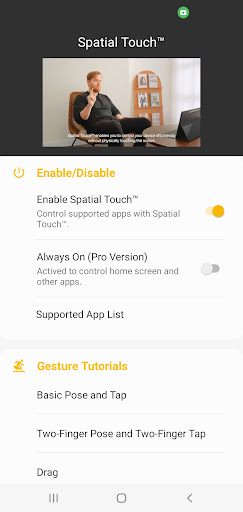
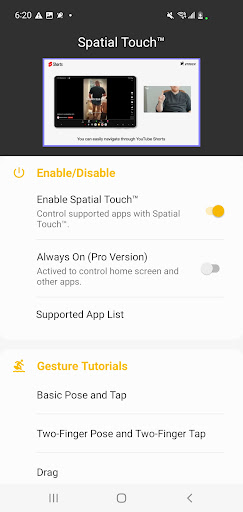
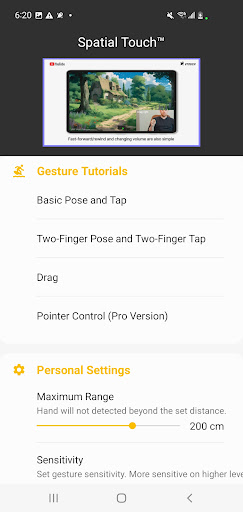
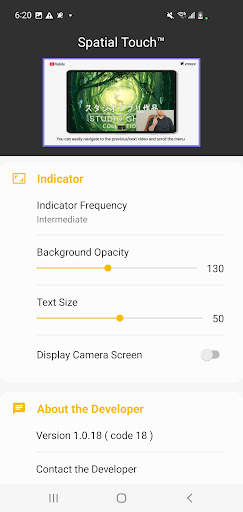
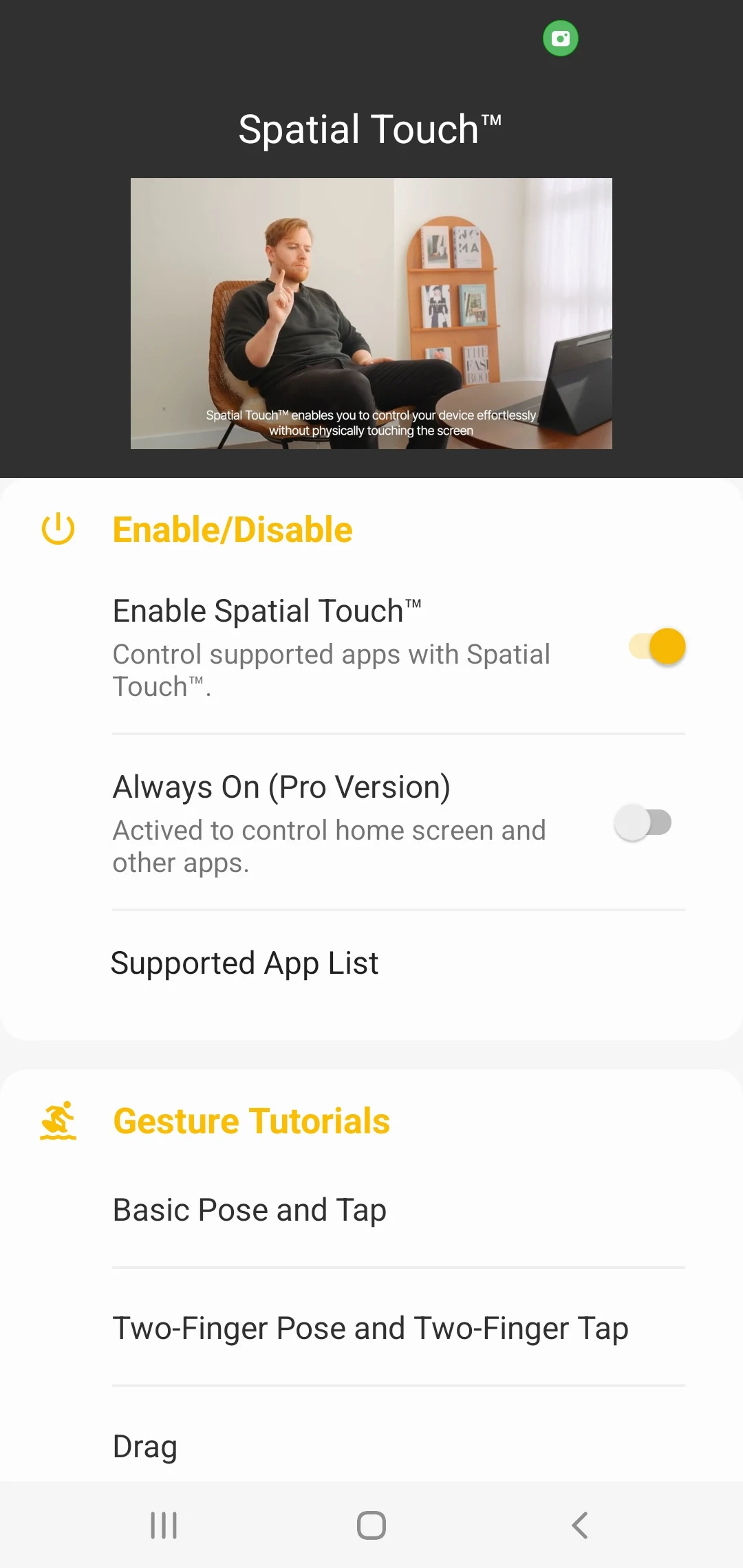
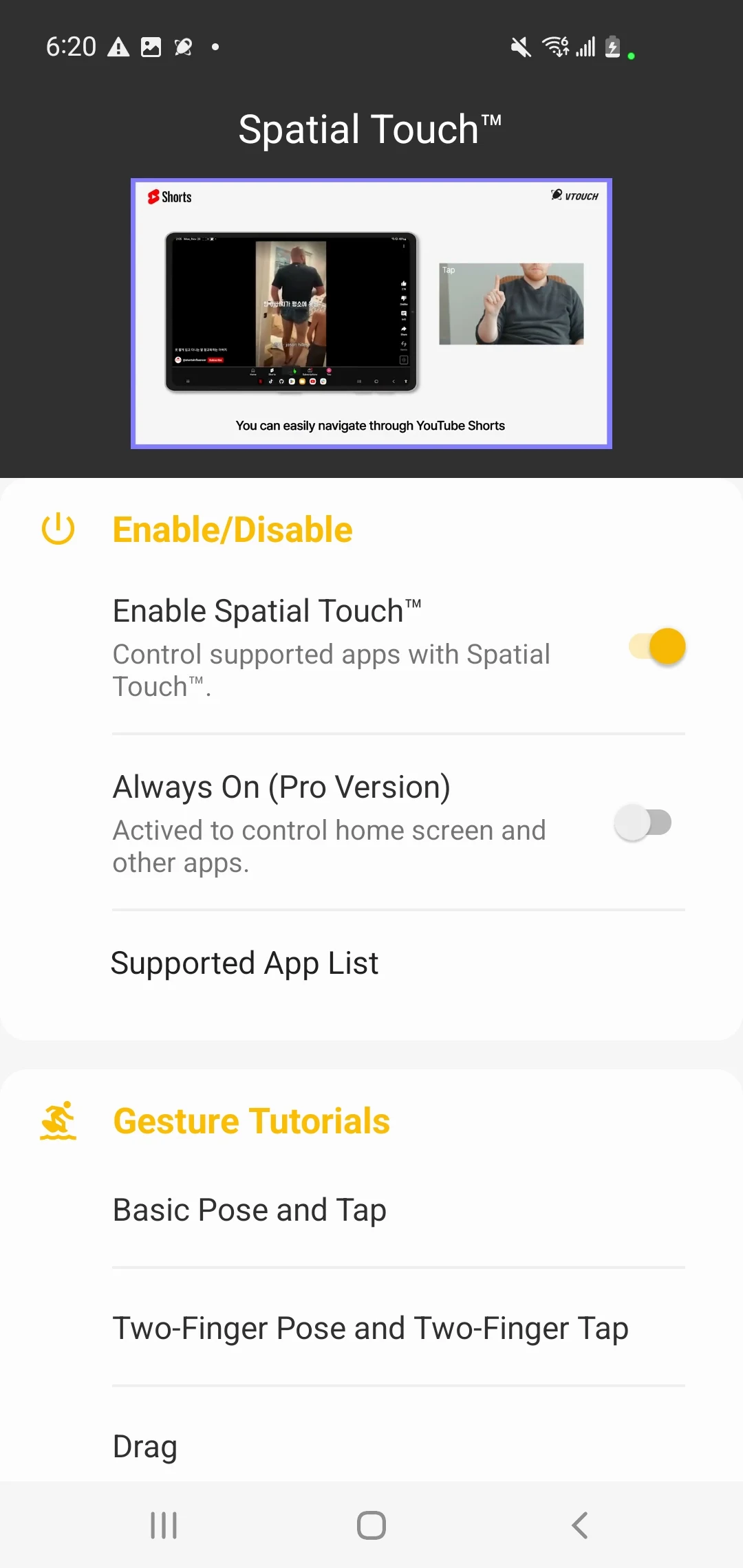
Control your tablet or smartphone without touching the screen! Spatial Touch™ is an AI-based hand gesture remote controller that allows you to control media apps from a distance without touching the screen. You can control YouTube, Shorts, Netflix, Disney Plus, Instagram, Reels, Tiktok and more apps are being added.
When you're leaned back watching a video with your device on the table, when your hands are wet from doing dishes, or when you eat and you don’t want to touch the screen, Spatial Touch™ lets you easily control your devices in any of these cases. Download and experience the innovation of Spatial Touch™.
- App Name: Spatial Touch™
- App Features and Benefits:
1. Air Gestures: Control media playback, pause, volume adjustment, navigation, scrolling, and more using air gestures without touching the screen.
2. Remote Control: You can control your device from a distance of up to 2 meters, and it works perfectly in various environment and postures.
3. State of the art gesture recognition: Minimized false gesture detections with a variety of hand filters. You can lower the filter for easier use or set stronger filter for more stable performance.
4. Background Auto-Start: After installing the app, there's no need to start it separately. When you launch supported apps such as YouTube or Netflix, Spatial Touch™ will automatically be activated and run in the background.
5. Strong Security: While Spatial Touch™ runs with camera, it does not store or transmit any images or videos to the outside of the device. All processing are done in your device. The camera is only activated when the supported apps are running and automatically disabled when the app is not in use.
- Apps Supported:
Major video and music streaming services and social medias. More apps will be added in the near future.
1. Short Forms - Youtube Shorts, Reels, Tiktok
2. Video Streaming Services - YouTube, Netflix, Disney+, Amazon Prime, Hulu, Coupang Play
3. Music Streaming Services - Spotify, Youtube music, Tidal
4. Social Media: Instagram Feed, Instagram story
- Key Functions:
1. Tap: Play/pause video, skip ads (YouTube), skip opening (Netflix), next video(Shorts, Reels, Tiktok), etcs.
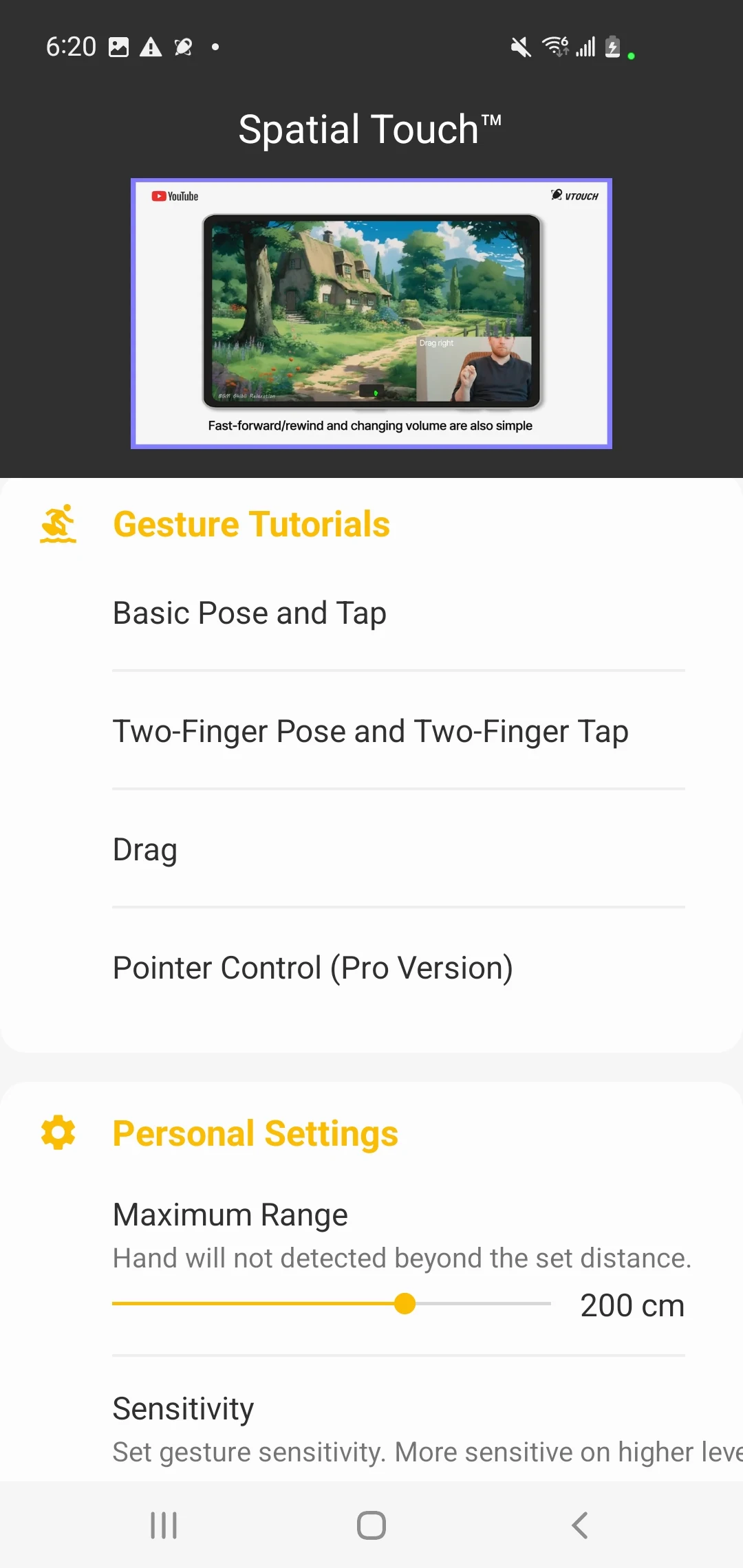
2. Drag Left/Right: Video navigation (Fast Forward/Rewind)
3. Drag Up/Down: Adjust Volume
4. Two Finger Tap: Toggle full-screen mode on/off (YouTube), Previous video(Shorts, Reels, Tiktok)
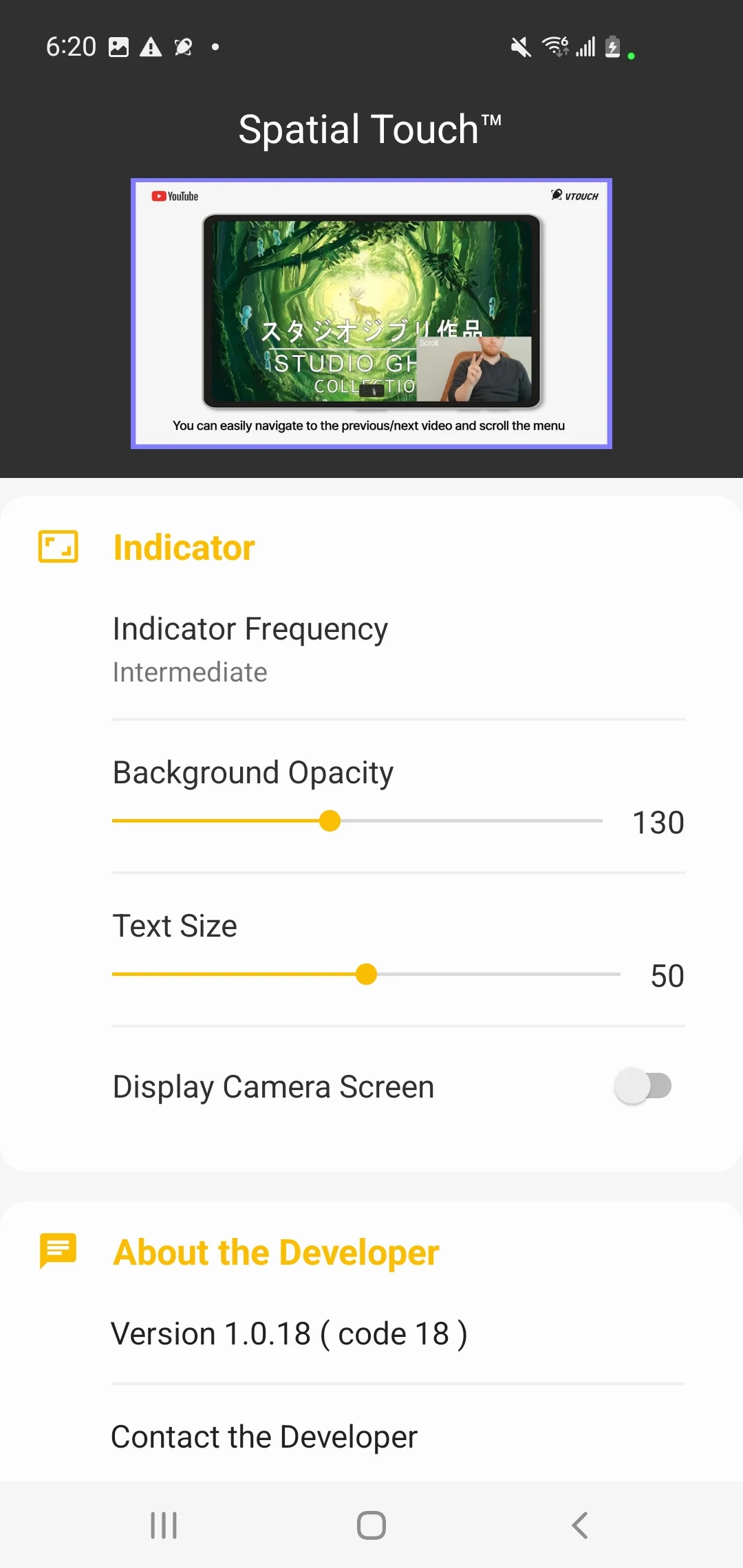
5. Two Finger Left/Right: Scroll Left/Right, Go to the Previous/Next video
6. Two Finger Up/Down: Scroll Down/Up
7. Pointer(Pro version): Activate a cursor and able to click any buttons on the screen
- Minimum System Requirements
1. Processor: Qualcomm Snapdragon 7 series or newer is recommended.
2. RAM: 4GB or more is recommended
3. Operating System: Android 8.0 (Oreo) or higher
4. Camera: Minimum 720p resolution, 1080p or higher is recommended
* Please note that these are general guidelines, and the actual performance can vary depends on the devices.
- App Permissions Information: To provide the service, the app requires the following permissions
1. Camera: for user gesture recognition (enabled only during app usage)
2. Notification Settings: For app updates and operational status notifications
3. Accessibility Control Permission: for application control and screen clicks
=> Settings-Accessibility-Installed Apps–Allow Spatial Touch™
We welcome any suggestions to improve your experience. If you have any questions or suggestions, feel free to contact at android@vtouch.io
أظهر المزيد

1. قم بتنزيل برنامج MEmu واكمال تثبيته

2. قم بتشغيل برنامج MEmu وفتح Google Play على الصفحة الرئيسية

3. ابح Spatial Touch™ في Google Play
Install
4. تنزيل وتثبيت Spatial Touch™
5. انقر على الرمز للتشغيل بعد اكتمال التثبيت

6. استخدم MEmu لتجربة Spatial Touch™ على جهاز الكمبيوتر الخاص بك.
تطبيق MEmuهو افضل محاكى اندرويد مجانى وبالفعل 50 مليون شخص يستمتعون حاليا بتجربه اللعب عليه. تمكّنك تقنية MEmu الافتراضية من تشغيل آلاف ألعاب Android بسلاسة على الكمبيوتر الشخصي ، حتى أكثرها استخدامًا للرسومات.
شاشة أكبر وجرافيك افضل ووقت أطول بدون حدود البطارية وباقة التليفون
لوحة مفاتيح كاملة تدعم تحكم كامل عن طريق لوحة المفاتيح و الفأره وجيم باد
عدة العاب وحسابات ومهمات علي جهاز الكمبيوتر في وقت معين عن طريق Memu متعدد النوافذ
Use Spatial Touch™ on PC by following steps: