Memu ডাউনলোড হচ্ছে...
যদি ডাউনলোড শুরু না হয়এখানে ক্লিক করুন
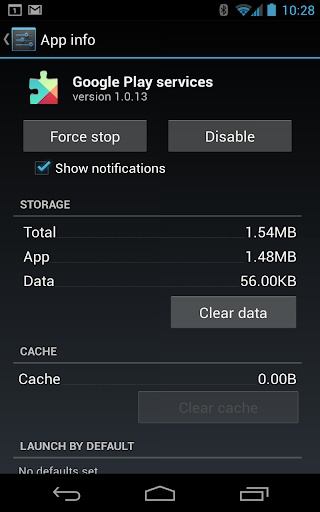
কিভাবে পিসিতে Google Play services ডাউনলোড করবেন
-
![Google Play services পিসি]()
1. MEmu ইনস্টলার ডাউনলোড করুন এবং সেটআপ শেষ করুন
-
![Google Play services পিসি]()
2. MEmu শুরু করুন তারপর ডেস্কটপে Google Play খুলুন
-
![Google Play services পিসি]()
3. Google Play এ Google Play services খুঁজুন
-
 Install
4. Google Play services ডাউনলোড এবং ইনস্টল করুন
-
5. ইনস্টল সমাপ্তি শুরু করতে আইকনে ক্লিক করুন
-
![Google Play services পিসি]()
6. MEmu ব্যবহার করে আপনার কম্পিউটারে Google Play services উপভোগ করুন

















গ্রমাগরম বিষয়গুলো