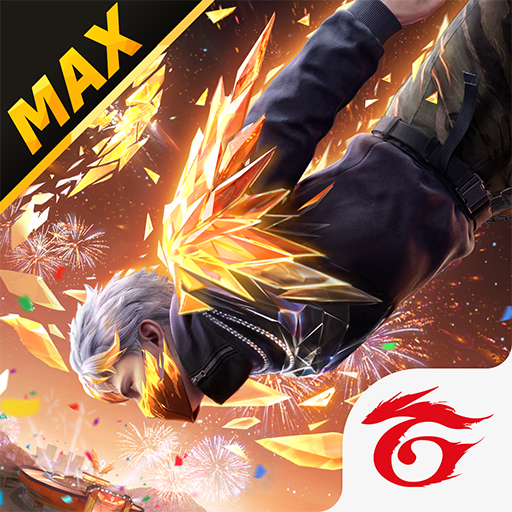
Free Fire: 9th Anniversary
Updated
Current Version
1.130.1
Offered By

With your passion for Free Fire: 9th Anniversary, you shouldn’t have to limit yourself to the small screen of a phone. Play like a pro and take full control of the game using a keyboard and mouse. MEmu gives you everything you’re looking for. Download and play Free Fire: 9th Anniversary on PC. Play as long as you want — no more worries about battery life, mobile data, or unexpected calls. The all-new MEmu 9 is the best way to play Free Fire: 9th Anniversary on PC. With our expertly designed keymapping system, Free Fire: 9th Anniversary feels just like a real PC game. The MEmu multi-instance manager lets you run two or more accounts on the same device at the same time. Most importantly, our exclusive emulation engine unlocks your PC’s full potential, delivering smooth and seamless performance.
Show more
Download Garena Free Fire on PC with MEmu Android Emulator. Enjoy playing on the big screen. 9th Anniversary celebration begins!
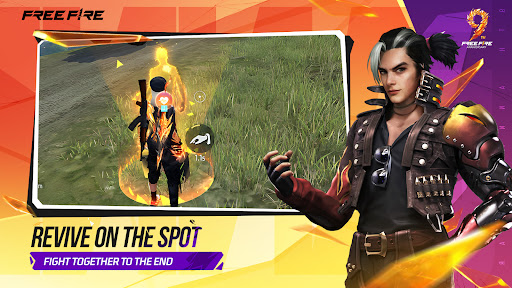
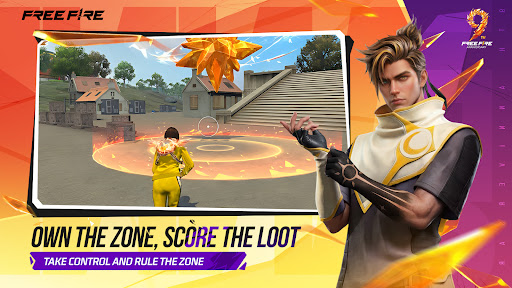
9th Anniversary celebration begins!
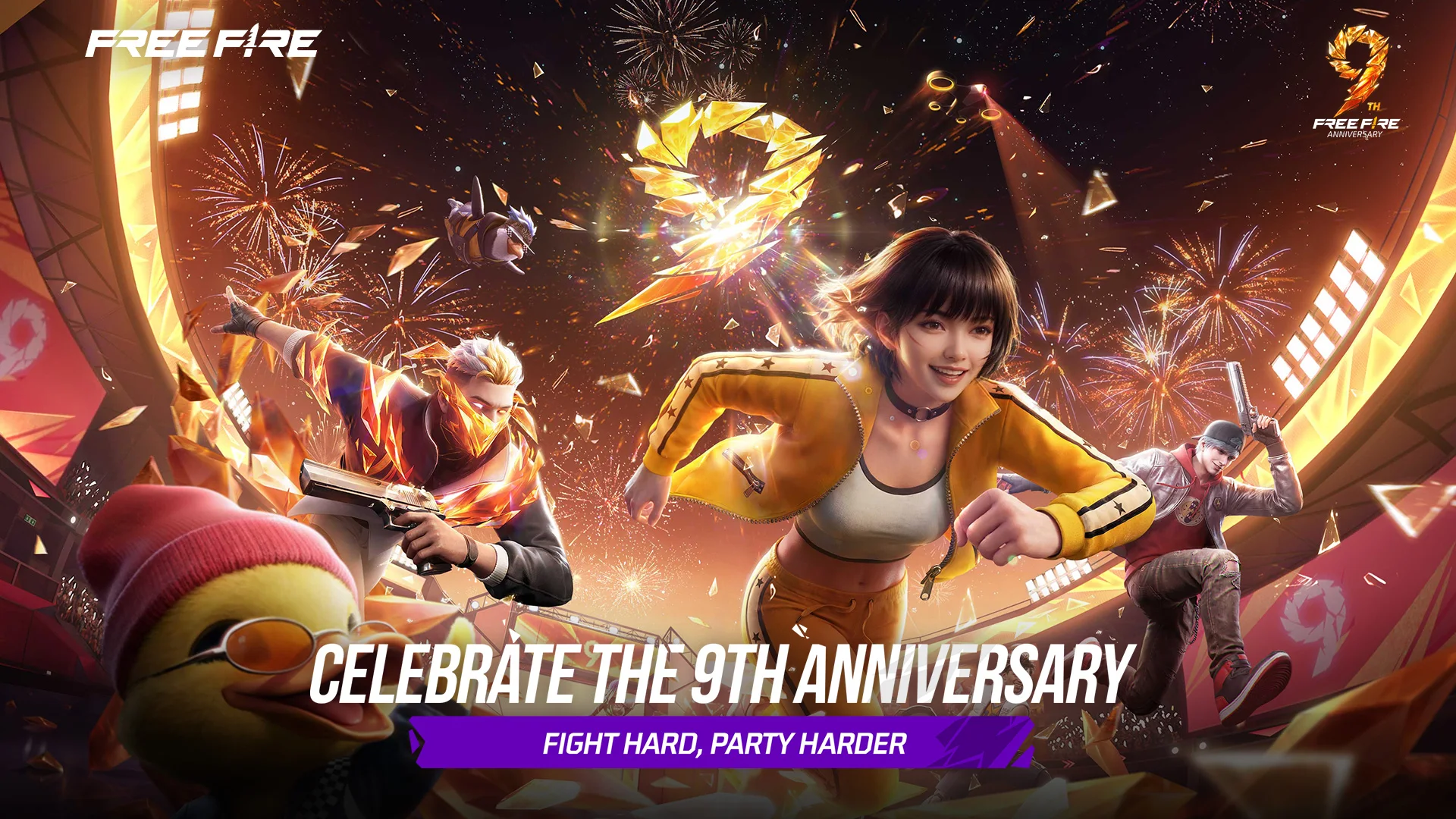
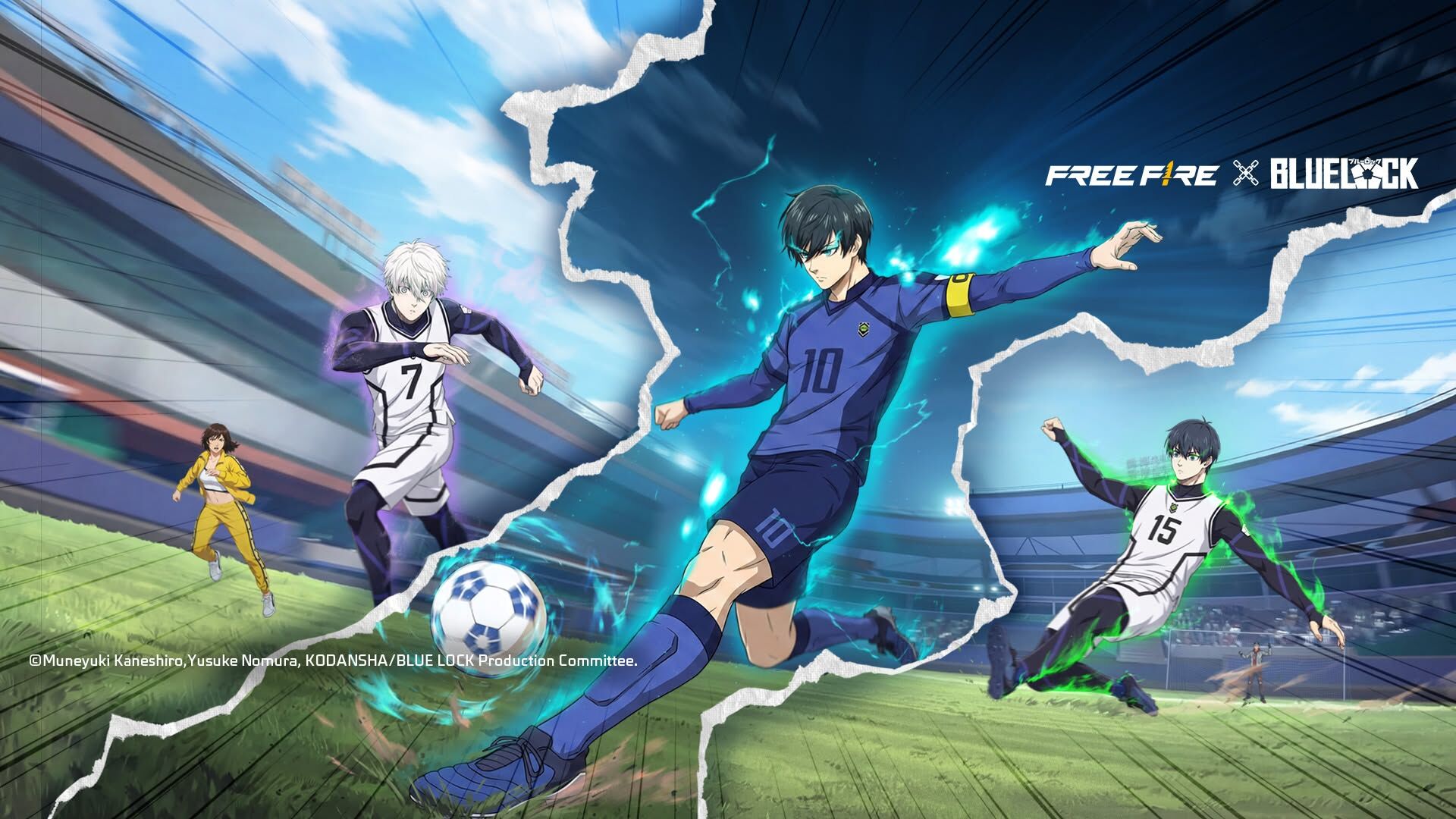
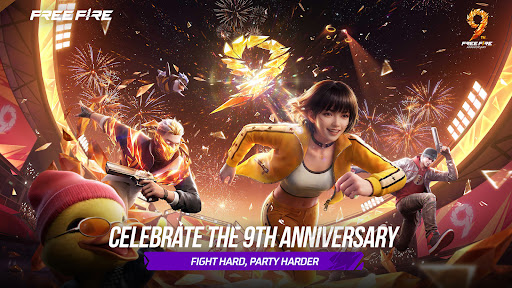
Free Fire's 9th Anniversary is here. Nine years of battle, and now it's time to party together!
[9th Anniversary Party Lobby & Event]
Step into the new 9th Anniversary 3D party lobby. Explore freely, enjoy fun social interactions, and take on arena challenges as you join the celebration. Complete tasks to unlock event items and milestone rewards.
[Themed BR]
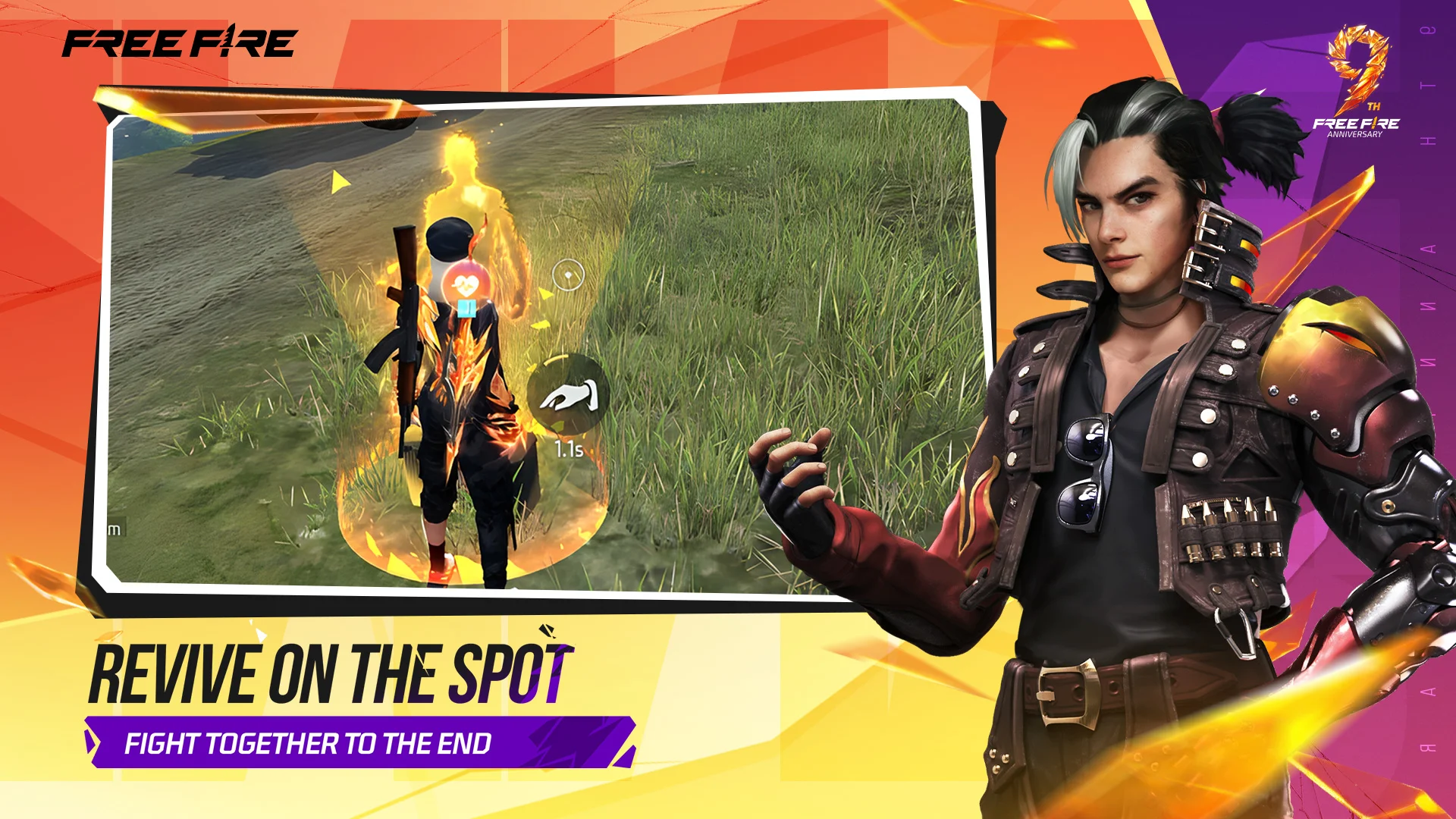
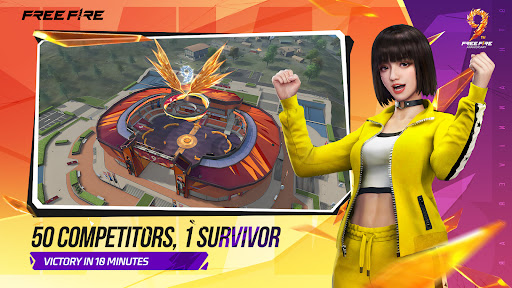
Factory in Bermuda gets a limited-time 9th Anniversary makeover. Complete anniversary quests to earn valuable loot and upgrade Coin Machines, vending machines, and Revival Points. If a teammate is eliminated, you can interact with their loot box to revive them on the spot!
[CS Perk Points]
CS now features a new Perk Point system that lets you unlock skill boosts, Awakened Weapons, and other buffs, adding more strategic choices to every match.
[Skill Boost & Awakened Weapons]
New skill boost and weapon awakening systems are now available in both BR and CS. Strengthen character skills, choose different upgrade paths, and use Weapon Awakeners to increase weapon power for a richer combat experience.
[BR Match Review]
Want to improve your BR tactics? After ranked matches, review replays to track movement paths, eliminations, and enemy positions, helping you break down every match and sharpen your strategy.
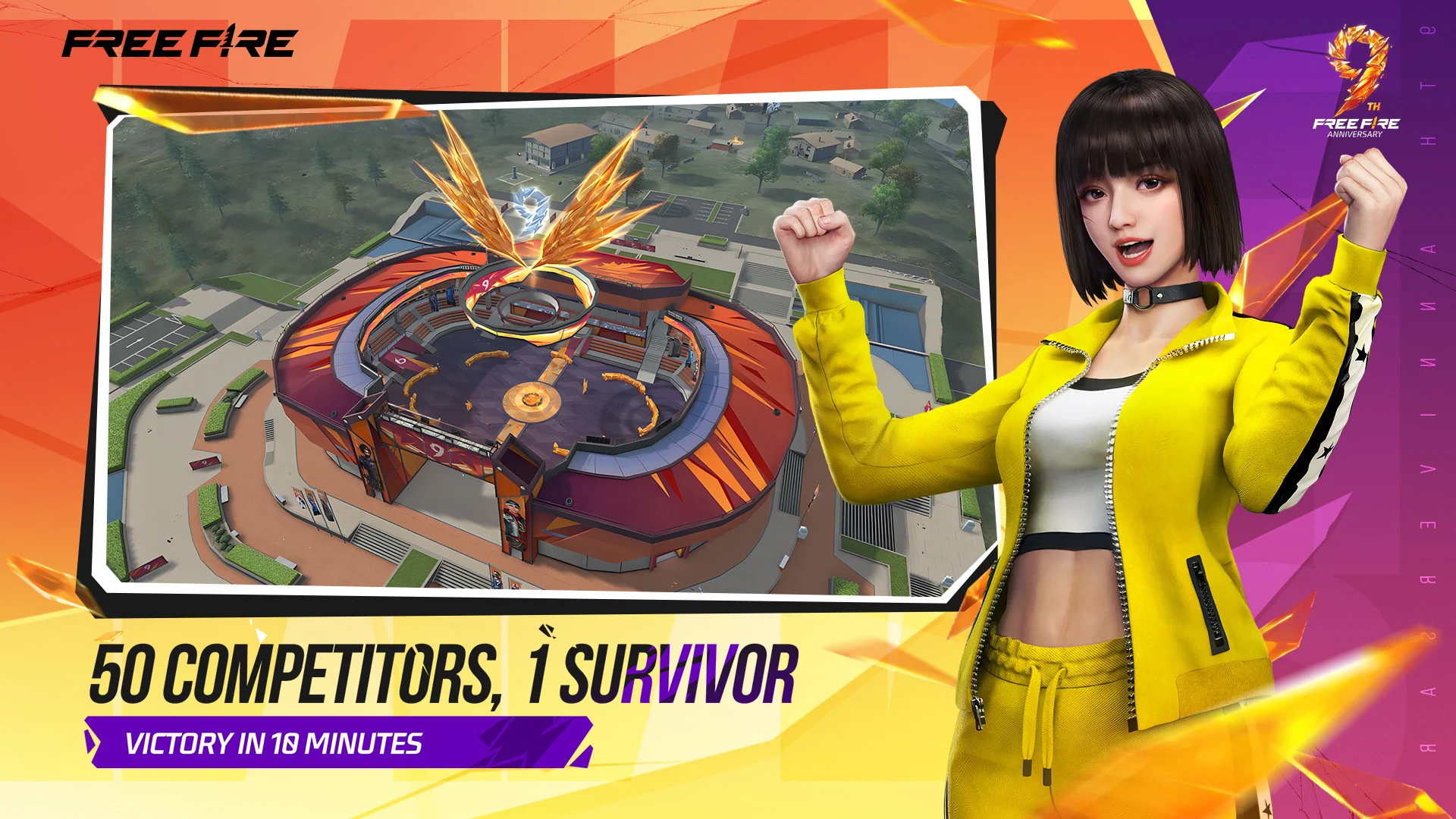
Free Fire is a world-famous survival shooter game available on mobile. Each 10-minute game places you on a remote island where you are pit against 49 other players, all seeking survival. Players freely choose their starting point with their parachute, and aim to stay in the safe zone for as long as possible. Drive vehicles to explore the vast map, hide in the wild, or become invisible by proning under grass or rifts. Ambush, snipe, survive, there is only one goal: to survive and answer the call of duty.
Free Fire, Battle In Style!
[Survival shooter in its original form]
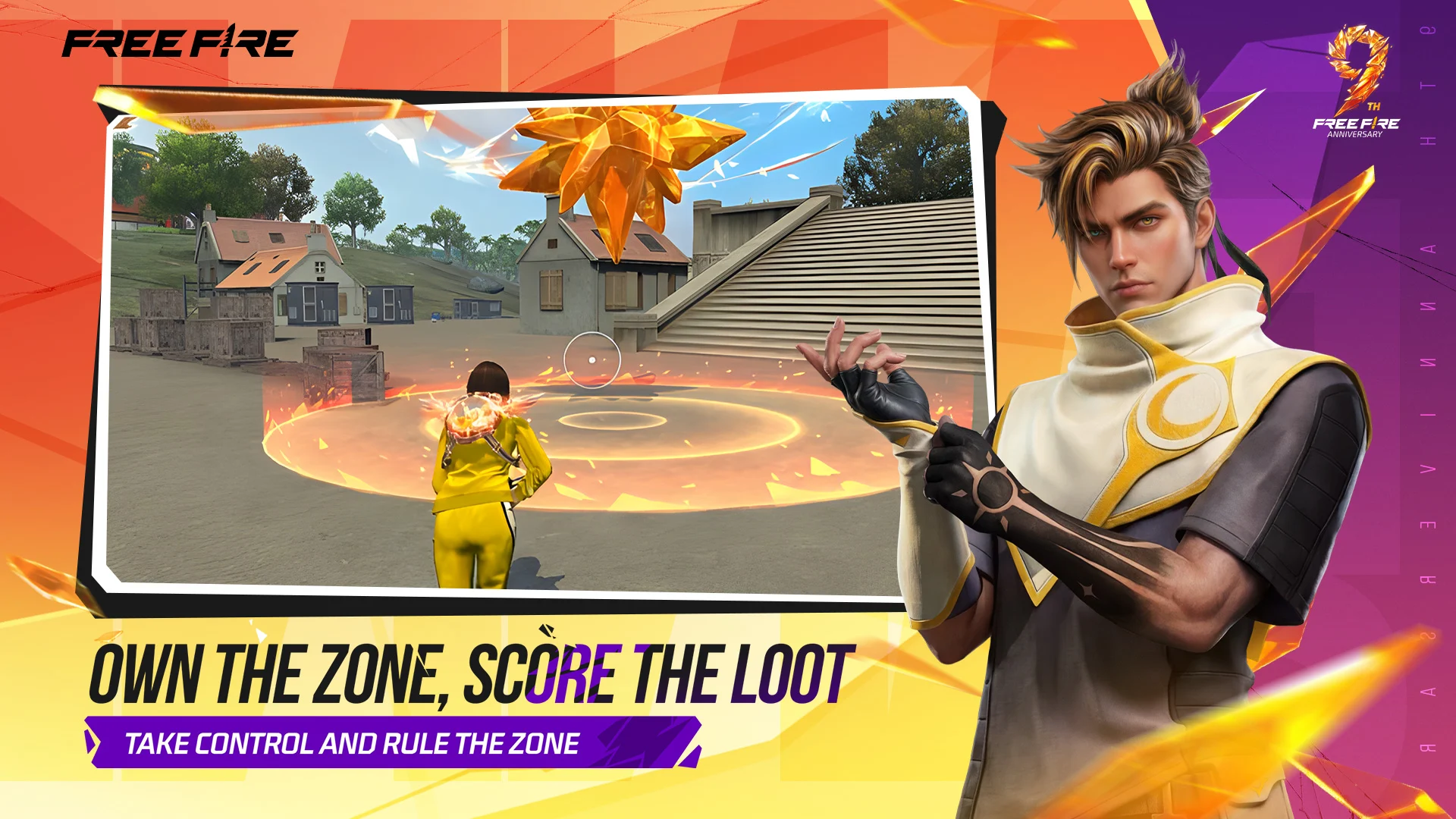
Search for weapons, stay in the play zone, loot your enemies and become the last man standing. Along the way, go for legendary airdrops while avoiding airstrikes to gain that little edge against other players.
[10 minutes, 50 players, epic survival goodness awaits]
Fast and Lite gameplay - Within 10 minutes, a new survivor will emerge. Will you go beyond the call of duty and be the one under the shining lite?
[4-man squad, with in-game voice chat]
Create squads of up to 4 players and establish communication with your squad at the very first moment. Answer the call of duty and lead your friends to victory and be the last team standing at the apex.
[Clash Squad]
A fast paced 4v4 game mode! Manage your economy, purchase weapons, and defeat the enemy squad!
[Realistic and smooth graphics]
Easy to use controls and smooth graphics promises the optimum survival experience you will find on mobile to help you immortalize your name among the legends.
[Contact us]
Customer Service: https://support-freefiresg.garena.com
Show more

1. Download MEmu installer and finish the setup

2. Start MEmu then open Google Play on the desktop

3. Search Free Fire: 9th Anniversary in Google Play
Install
4. Download and Install Free Fire: 9th Anniversary
5. On install completion click the icon to start

6. Enjoy playing Free Fire: 9th Anniversary on PC with MEmu
MEmu Play is the best Android emulator and 100 million people already enjoy its superb Android gaming experience. The MEmu virtualization technology empowers you to play thousands of Android games smoothly on your PC, even the most graphic-intensive ones.
Bigger screen with better graphics; Long duration, without limitation of battery or mobile data.
Full Keymapping support for precise control of keyboard and mouse or gamepad.
Multiple game accounts or tasks on single PC at one time with Multi-Instance manager.
First, navigate to the settings in Free Fire. There are two crucial settings you'll need to adjust to improve your headshot rate. Click the "Sensitivity" tab. It's recommended to use the following settings here:
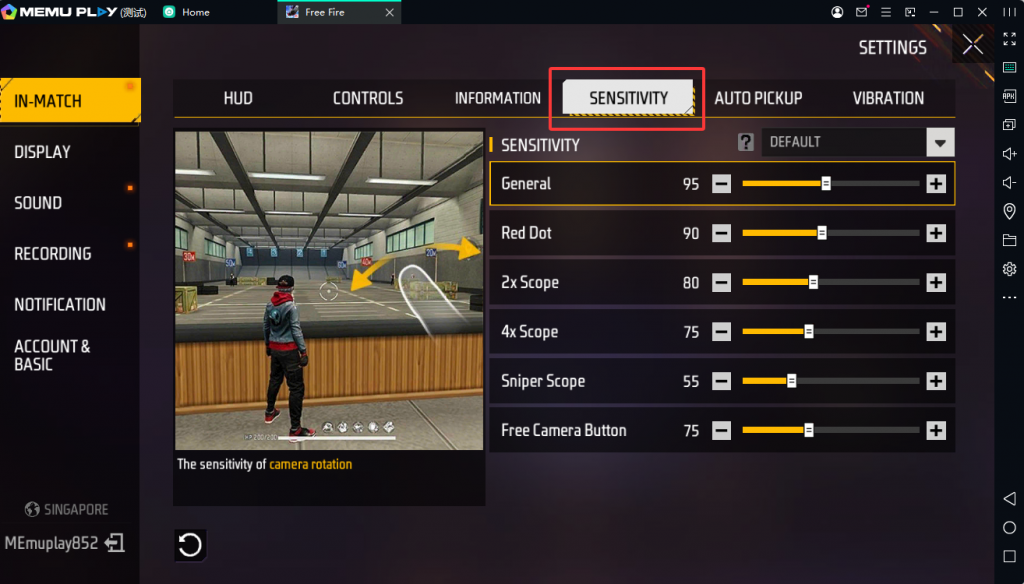
General: 90 - 100
Red Dot: 90 - 100
2x Scope: 90 - 100
4x Scope: 90 - 100
Sniper Scope: 40 - 50
Free Look: 90 - 100
Next, let's adjust our controls. Make sure the following settings are turned on:
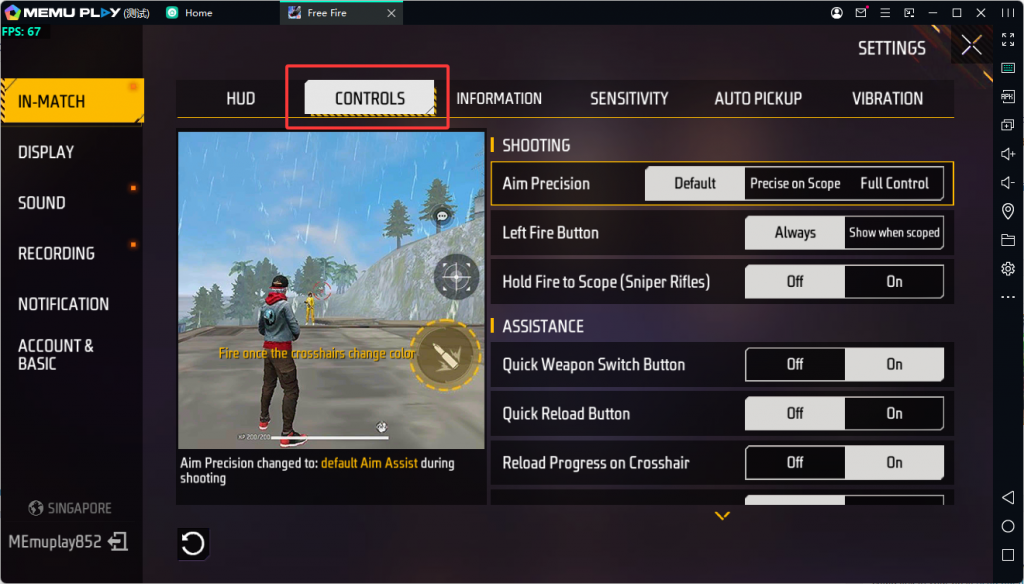
Aim Precision: Set to default.
Left Fire Button: Always.
Quick Weapon Switch: On.
Quick Reload: Off.
Reload Progress on Crosshair: Off.
Free Look: On.
Hold Fire to Scope: On.
Grenade Slot: Double Slot.
Vehicle Controls; Two-handed.
Auto-parachute: On.
Run Mode: Classic.
For close-range battles, SMGs, shotguns, and melee weapons are the best choices for aggressive play and fast eliminations.
Top SMGs
Top Shotguns
Top Melee Weapons
For mid-range combat, assault rifles, LMGs, and high-damage pistols provide the best balance of damage, accuracy, and versatility.
Top Assault Rifles (ARs)
Top Light Machine Guns (LMGs)
For long-distance fights, sniper rifles and scoped weapons are essential for accurate and powerful attacks.
Top Sniper Rifles
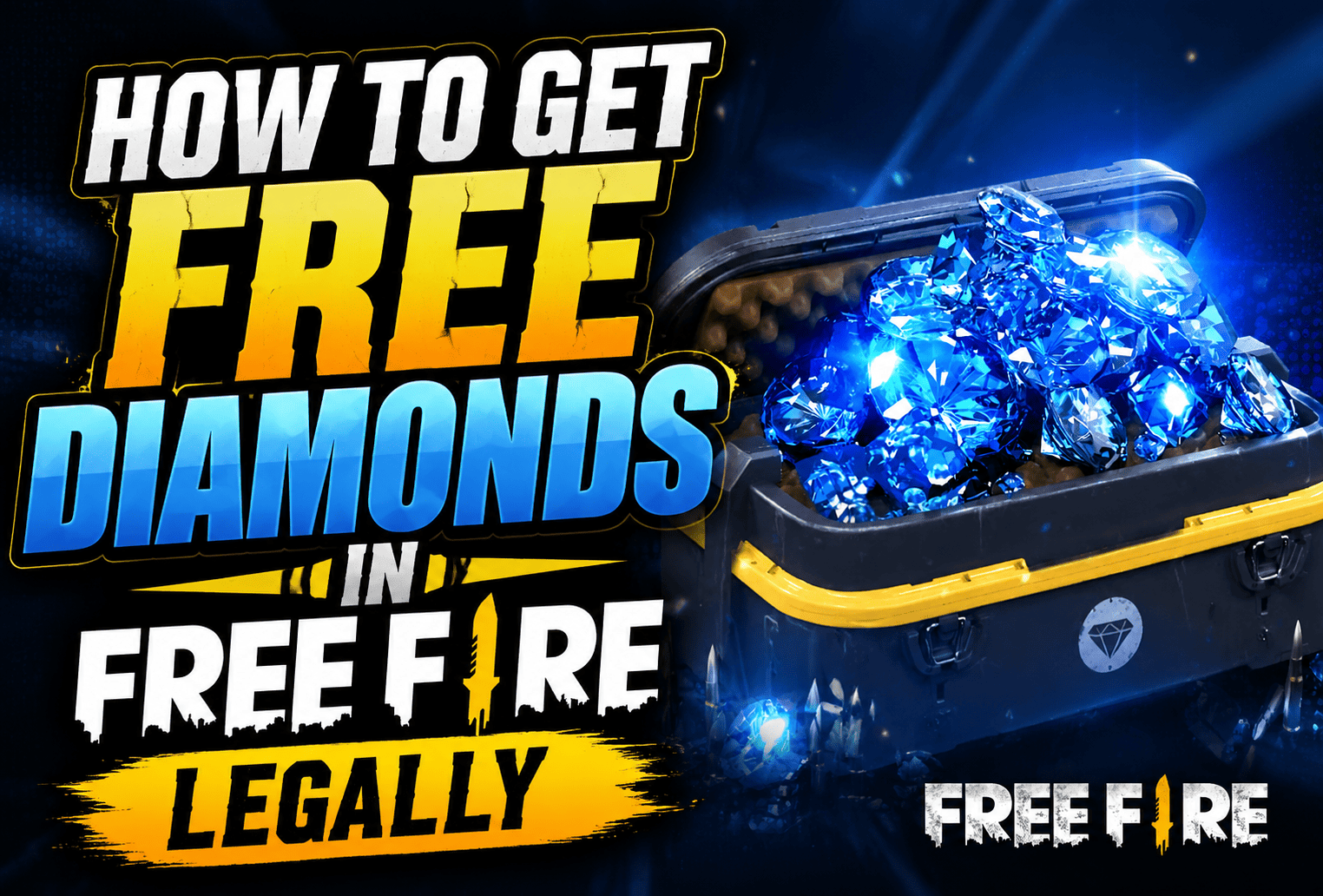
This guide covers the best safe and legal methods to earn free Diamonds, including:
It also explains how to avoid fake Diamond generators, scams, and unsafe websites while keeping your Free Fire account secure.
The right Free Fire sensitivity settings can improve your aim, movement, and headshot accuracy. Adjust your sensitivity based on your playstyle and device performance.
There's no official PC or console version — Free Fire is Android/iOS exclusive. Players use Android emulators like MEmu to run it on PC with mouse-and-keyboard controls and a larger screen.
Free Fire has around 128–135 million monthly active users and roughly 33 million daily active users as of early 2026, with over 1.3 billion lifetime downloads across Free Fire and Free Fire MAX combined. The game peaked at 150 million daily active users back in May 2021 during pandemic-era mobile gaming demand.
Free Fire MAX is a separate, standalone app with the same core gameplay but enhanced graphics, animations, sound design, and exclusive features like the 360° lobby and Craftland mode. It requires higher device specs, while the original Free Fire is optimized for low-end devices. Both apps share the same account, matchmaking, and servers.
Bans are almost always tied to using third-party hacks, cheat engines, or unauthorized modding tools — Garena's anti-cheat actively flags these. Using official top-up channels, redeem codes, and normal gameplay does not put an account at risk.
Players need to contact Garena Support directly (not third-party "recovery services," which are frequently scams) and provide proof of ownership such as linked email/social account details, purchase history, or character/UID info to verify identity.
The best Free Fire HUD layout depends on your experience and control style. Beginners often use two-finger controls, while advanced players prefer three-finger or four-finger layouts for faster movement and shooting.
For low-end devices, use smoother graphics settings, reduce unnecessary background apps, clear storage space, and enable performance options to improve FPS and reduce lag.
To reduce lag in Free Fire, check your internet connection, close background applications, lower graphics quality, clear cache, and keep your device software updated.
If you lose access to your Free Fire account, try recovering it through the platform linked to your account, such as Facebook, Google, Apple ID, or VK. You can also contact Garena Support for account recovery assistance.