Battle Bay
Updated
Current Version
5.2.3
Offered By

With your passion for Battle Bay, you shouldn’t have to limit yourself to the small screen of a phone. Play like a pro and take full control of the game using a keyboard and mouse. MEmu gives you everything you’re looking for. Download and play Battle Bay on PC. Play as long as you want — no more worries about battery life, mobile data, or unexpected calls. The all-new MEmu 9 is the best way to play Battle Bay on PC. With our expertly designed keymapping system, Battle Bay feels just like a real PC game. The MEmu multi-instance manager lets you run two or more accounts on the same device at the same time. Most importantly, our exclusive emulation engine unlocks your PC’s full potential, delivering smooth and seamless performance.
Show more
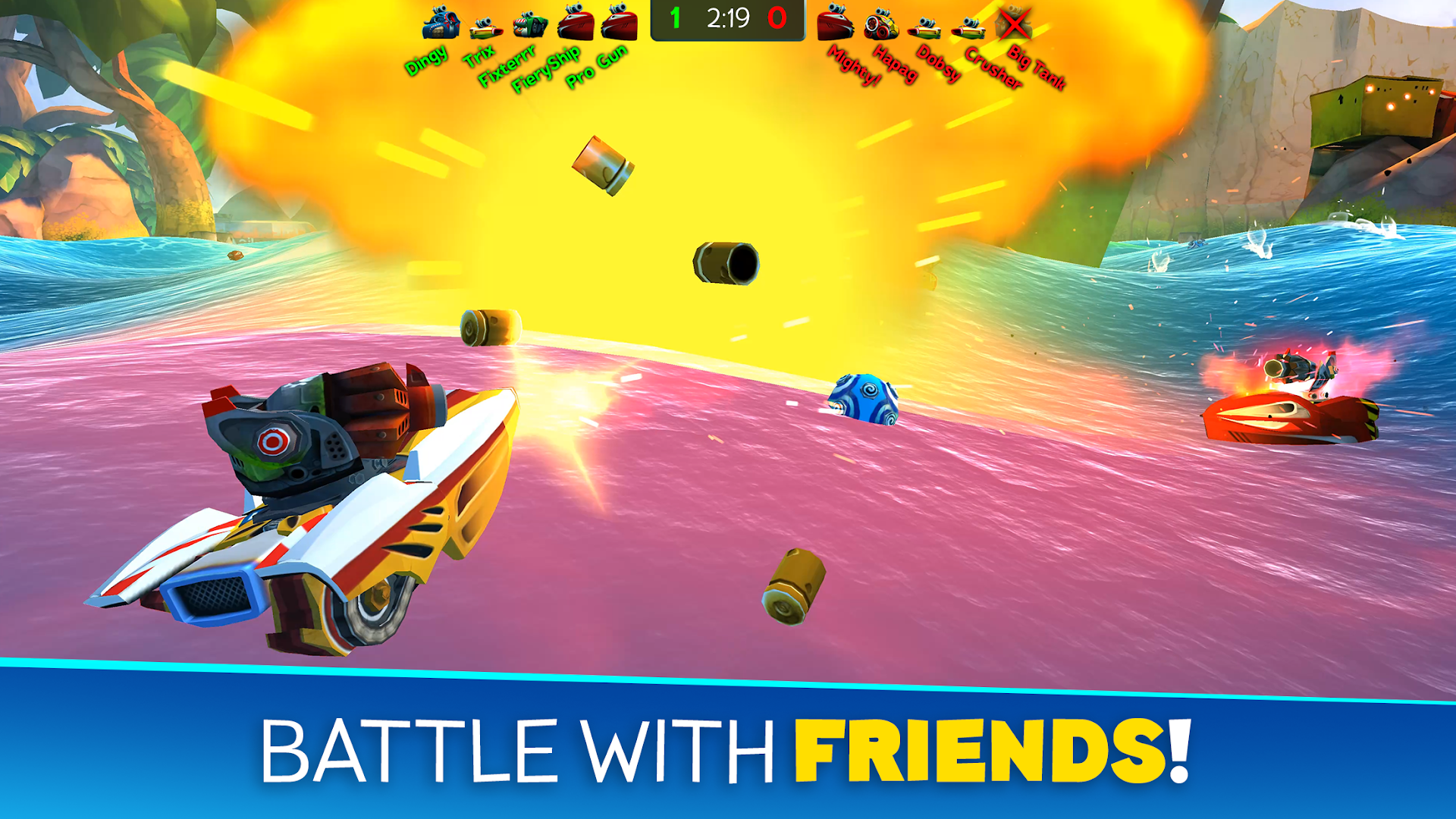
Download Battle Bay on PC with MEmu Android Emulator. Enjoy playing on big screen. Choose a ship, select your weapons and go to battle against opponents around the world.
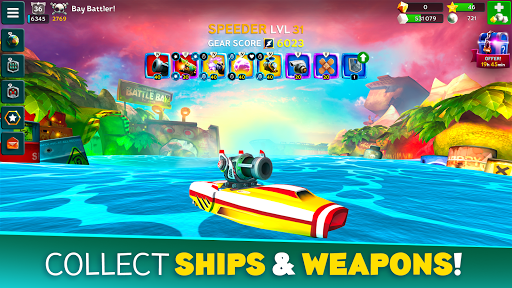
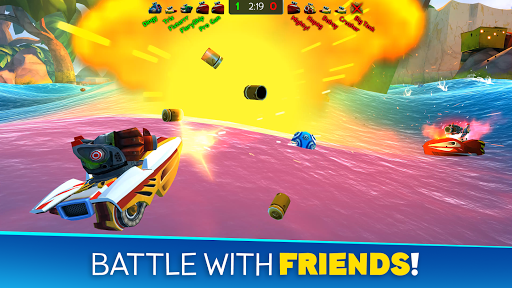
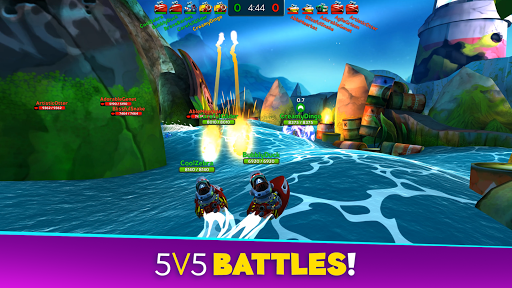
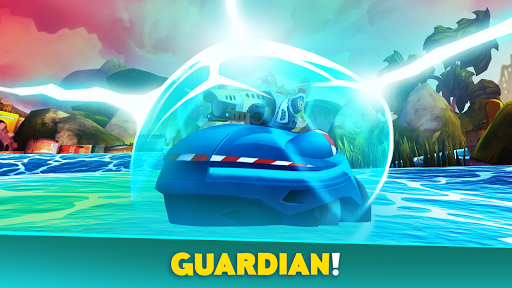
Choose a ship, select your weapons and go to battle against opponents around the world. Use team strategy and firepower to take your fleet to the top - it’s sink or win!
– Choose your ship –
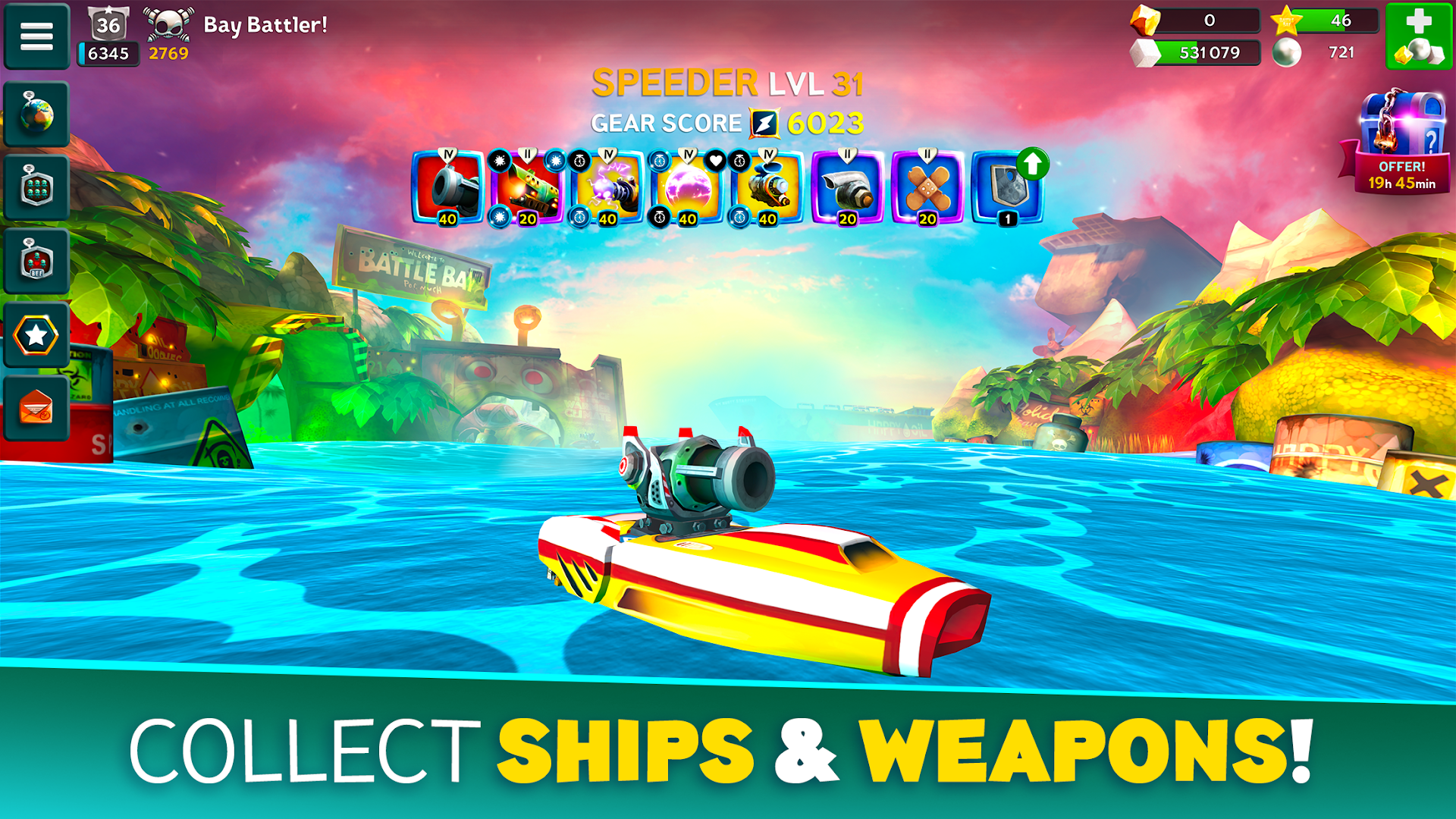
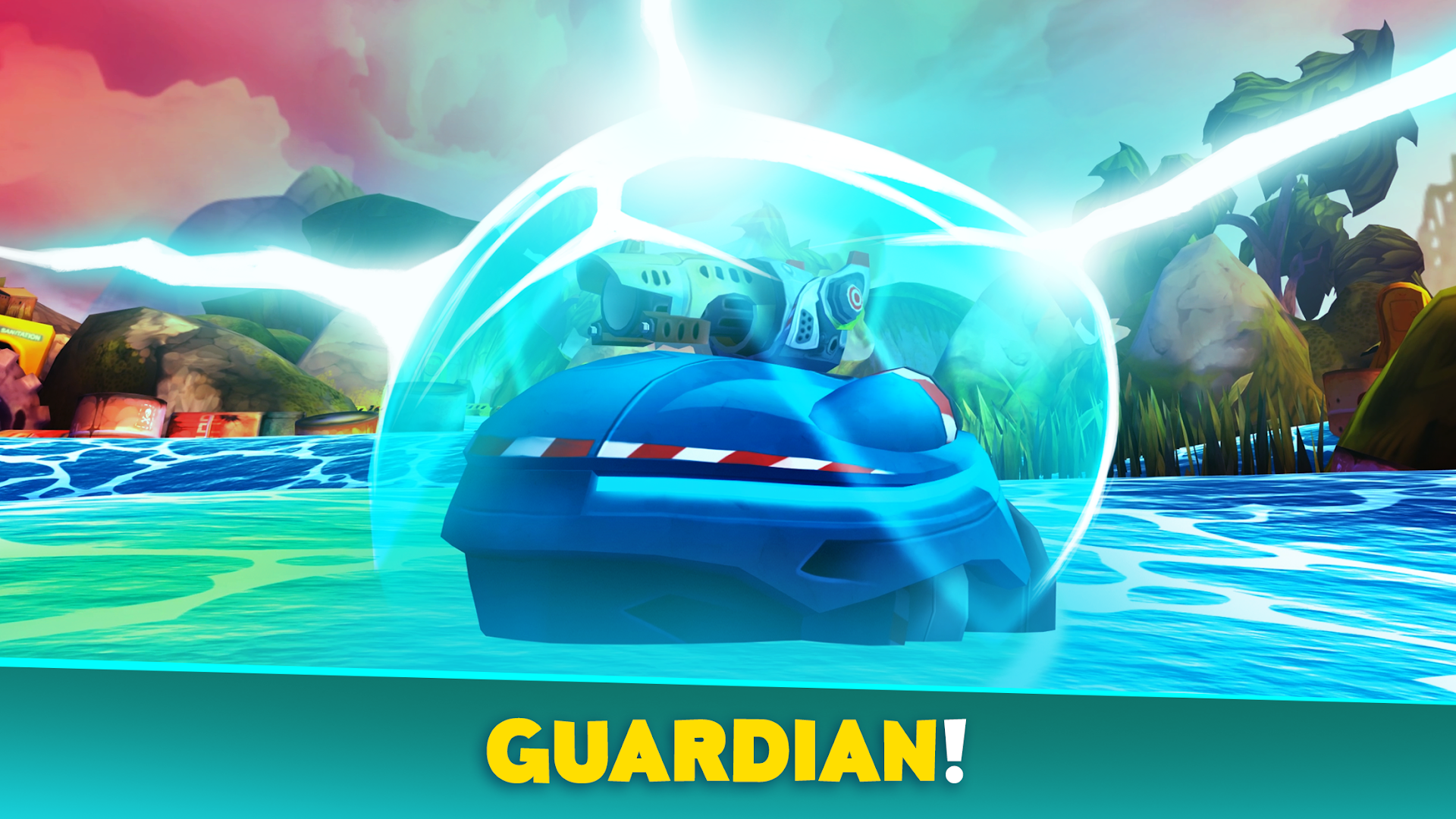
Shooter has a big array of weapons, Speeder is fast and furious, Enforcer is agile and versatile, Defender is a floating tank, and Fixer keeps friendly teammates floating. Level up your ships for more hit points and power!
– Collect weapons –
Collect, upgrade and evolve your weapons to gain more firepower. Choose from a huge selection of destructive, defensive or utility items. Acquire special perks to further enhance the power of your gear. Whatever fits your play style and keeps your team from sinking!
– Host your own battles –
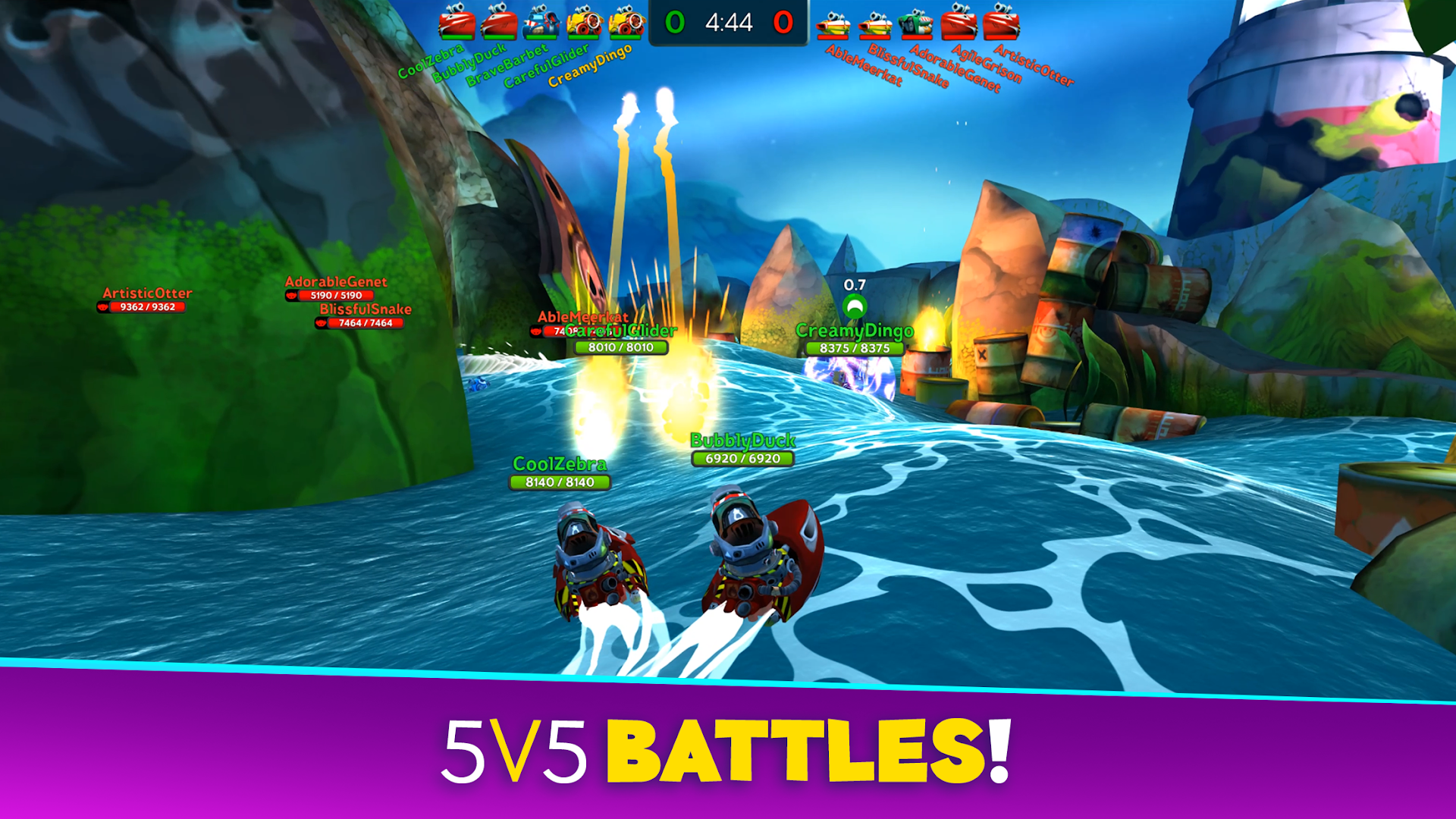
Host a competition with your friends and guild mates in Custom Battles. Create a lobby and invite up to 10 players into 2 teams, plus up to 5 spectators. Play your own 5v5 tournaments or prove your skills in 1v1 duels.
– Join a Guild –
Team up with your friends by joining or creating a guild. Guild leaderboards pit your crew against other bands of blast-happy captains. Who will rise to the top?
– Take on quests and achievements –
Finish quests to earn gold and sugar or go on a guild quest marathon for a chance to earn spectacular loot. Pass achievements to earn pearls and powerful items. Prove your Infamy by competing in ranked two-week tournaments for exclusive rewards!
---
We may update the game periodically, for example to add new features or content or to fix bugs or other technical issues. Please note that the game may not function properly if you do not have the newest version installed. If you have not installed the latest update, Rovio will not be responsible for the game failing to function as expected.
While our game is free to download and play, some game items can also be purchased for real money and the game may include loot boxes or other game mechanics with random rewards. Purchasing these items is optional but you can also disable in-app purchases in your device’s settings.
Terms of Use: https://www.rovio.com/terms-of-service
Privacy Policy: https://www.rovio.com/privacy
This game may include:
Direct links to social networking websites that are intended for an audience over the age of 13.
Direct links to the internet that can take players away from the game with the potential to browse any web page.
Advertising of Rovio products and also products from select partners.
The option to make in-app purchases. The bill payer should always be consulted beforehand.
This application may require internet connectivity and subsequent data transfer charges may apply.
Show more

1. Download MEmu installer and finish the setup

2. Start MEmu then open Google Play on the desktop

3. Search Battle Bay in Google Play
Install
4. Download and Install Battle Bay
5. On install completion click the icon to start

6. Enjoy playing Battle Bay on PC with MEmu
MEmu Play is the best Android emulator and 100 million people already enjoy its superb Android gaming experience. The MEmu virtualization technology empowers you to play thousands of Android games smoothly on your PC, even the most graphic-intensive ones.
Bigger screen with better graphics; Long duration, without limitation of battery or mobile data.
Full Keymapping support for precise control of keyboard and mouse or gamepad.
Multiple game accounts or tasks on single PC at one time with Multi-Instance manager.
Play Battle Bay on PC by following steps:
























































![PUBG mobile update [Mar.2020] PC](https://www.memuplay.com/blog/wp-content/uploads/2019/11/121-1.jpg)