
























Clash of Clans PC
Clash of Clans PC

Download Clash of Clans on PC

Clash of Clans PC

Clash of Clans

  • Updated

  • Current Version

    18.200.5

  • Offered By

    Clash of Clans PC

Features of Clash of Clans on PC

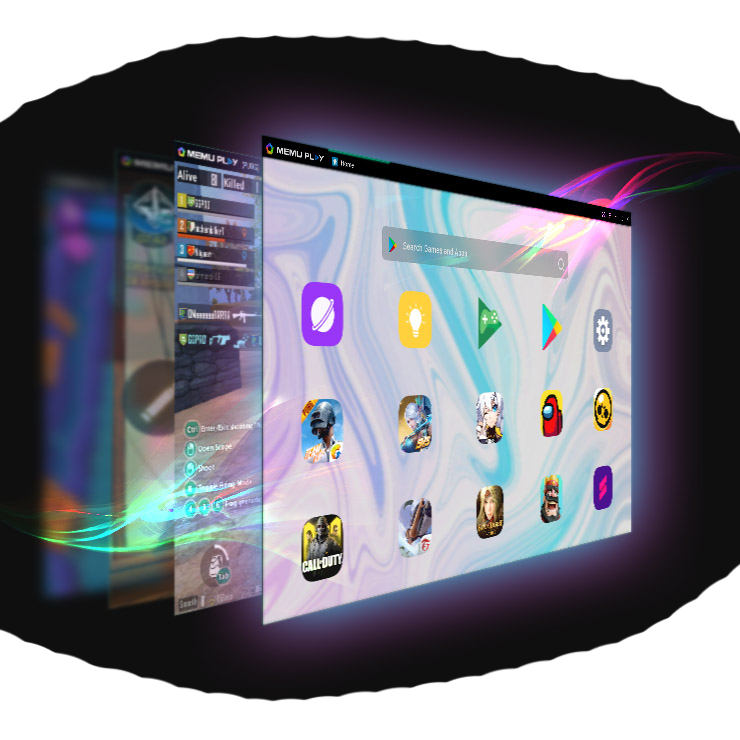
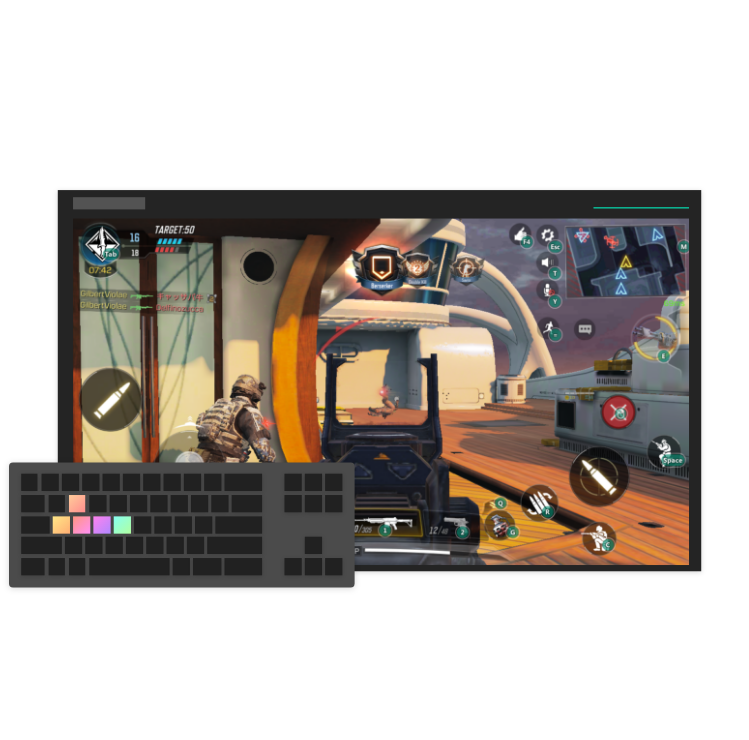
With your passion for Clash of Clans, you shouldn’t have to limit yourself to the small screen of a phone. Play like a pro and take full control of the game using a keyboard and mouse. MEmu gives you everything you’re looking for. Download and play Clash of Clans on PC. Play as long as you want — no more worries about battery life, mobile data, or unexpected calls. The all-new MEmu 9 is the best way to play Clash of Clans on PC. With our expertly designed keymapping system, Clash of Clans feels just like a real PC game. The MEmu multi-instance manager lets you run two or more accounts on the same device at the same time. Most importantly, our exclusive emulation engine unlocks your PC’s full potential, delivering smooth and seamless performance.

Show more

Screenshots & Video of Clash of Clans PC

Download Clash of Clans on PC with MEmu Android Emulator. Enjoy playing on big screen. Join millions of players worldwide as you build your village and perfect your strategy.

Game Info

Join millions of players worldwide as you build your village and perfect your strategy. Battle with “your Clan in this epic real time multiplayer war game!

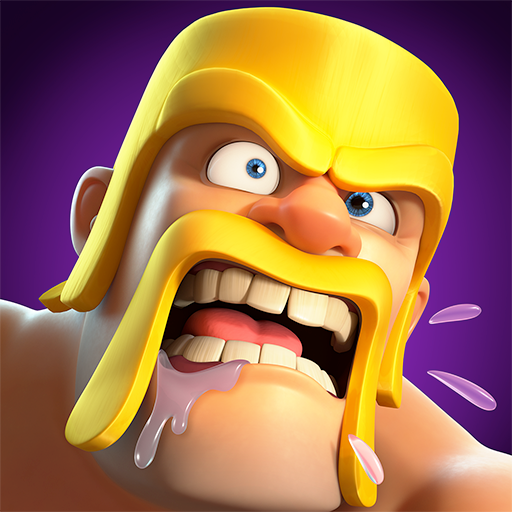
Mustachioed Barbarians, fire-wielding Wizards, and other unique troops await your command. Enter the world of Clash!

Classic Features:
● Build your base: Level up each building to strengthen your defense.
● Build your multiplayer strategy: Battle in real time Clan Wars: a free multiplayer war game against millions of active players across the globe.
● Start building your war game skills: battle through Clan War Leagues and prove you’re the best in the game. Forge alliances to give your strategy the edge in multiplayer battle.
● Plan your battle strategy with countless combinations of Spells, troops, and Heroes!
● Compete with the best players from around the world and rise to the top of the Leaderboard in Legend League.
● Collect resources, conquer, and steal loot to build up your base. Use strategy and smarts to defend your Town Hall building in battle!
● Keep your Clan Castle safe and craft your defense strategy against enemy attacks in this multiplayer war game. Build Towers, Cannons, Bombs, traps, Mortars, and walls to give you the edge in multiplayer battle.
● Start building an army full of epic Heroes like the Barbarian King, Archer Queen, Grand Warden, Royal Champion, and Minion Prince.
● Research upgrades in your Laboratory building to make the troops you command in battle even more powerful. Build and upgrade walls, and use your strategy skills to win every battle and protect your Clan Castle.
● Flex your strategy in real time: take part in free multiplayer PVP games. Battle through Friendly Challenges, Friendly Wars, and special live multiplayer war game events.
● Battle against the Goblin King in a free single-player campaign war game mode.
● Keep building your strategy in Practice Mode.
● Journey to the Builder Base and discover new ways to battle.
● Turn your Builder Base into an unbeatable fortress. Build up your defenses, perfect your strategy, and conquer rival players in a multiplayer Versus Battle war game mode.
● Customize your village by building structures and decor, or unlocking sceneries.

What are you waiting for, Chief? Get ready to conquer! Join the action today.

PLEASE NOTE! Clash of Clans is free to download and play, however, some game items can also be purchased for real money. If you don't want to use this feature, please disable in-app purchases in your device's settings. The game also includes random rewards.

A network connection is also required.

If you have fun playing Clash of Clans, you may also enjoy other free multiplayer Supercell games like Clash Royale, Brawl Stars, Boom Beach, and Hay Day. Make sure to check those out!

Support: Chief, are you having problems? Visit https://help.supercellsupport.com/clash-of-clans/en/index.html or http://supr.cl/ClashForum or contact us in game by going to Settings > Help and Support.

Privacy Policy: http://www.supercell.net/privacy-policy/

Terms of Service: http://www.supercell.net/terms-of-service/

Parent’s Guide: http://www.supercell.net/parents


The IGRS Rating for this game is 15+

Show more

How to Download Clash of Clans on PC

  • Clash of Clans PC

    1. Download MEmu installer and finish the setup

  • Clash of Clans PC

    2. Start MEmu then open Google Play on the desktop

  • Clash of Clans PC

    3. Search Clash of Clans in Google Play

  • Clash of Clans PC Install

    4. Download and Install Clash of Clans

  • Clash of Clans PC

    5. On install completion click the icon to start

  • Clash of Clans PC
    Clash of Clans PC Clash of Clans PC

    6. Enjoy playing Clash of Clans on PC with MEmu

Why Use MEmu for Clash of Clans

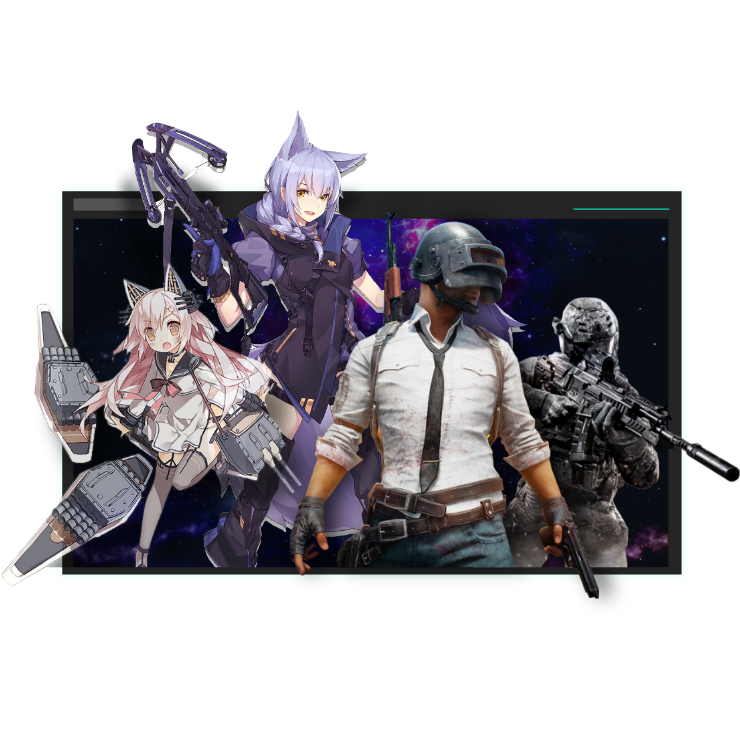
MEmu Play is the best Android emulator and 100 million people already enjoy its superb Android gaming experience. The MEmu virtualization technology empowers you to play thousands of Android games smoothly on your PC, even the most graphic-intensive ones.

  • Bigger screen with better graphics; Long duration, without limitation of battery or mobile data.

  • Full Keymapping support for precise control of keyboard and mouse or gamepad.

  • Multiple game accounts or tasks on single PC at one time with Multi-Instance manager.

Ready to Play?

Hot Topics

Clash of Clans - FAQs

  • How to play Clash of Clans on PC?

    Play Clash of Clans on PC by following steps:

    • Download MEmu, then install and launch it
    • Login to Google Play Store, install the game
    • Enjoy playing the game on PC with MEmu
  • What are the minimum system requirements to run Clash of Clans on PC?
    • Intel or AMD Processor
    • Microsoft Windows 7 and above
    • 2GB of memory
    • 5GB of free disk space
    • Hardware Virtualization Technology
Clash of Clans PC
Clash of Clans PC
Clash of Clans PC
Clash of Clans PC