Forest Island : Relaxing Game
Updated
Current Version
2.27.0
Offered By

With your passion for Forest Island : Relaxing Game, you shouldn’t have to limit yourself to the small screen of a phone. Play like a pro and take full control of the game using a keyboard and mouse. MEmu gives you everything you’re looking for. Download and play Forest Island : Relaxing Game on PC. Play as long as you want — no more worries about battery life, mobile data, or unexpected calls. The all-new MEmu 9 is the best way to play Forest Island : Relaxing Game on PC. With our expertly designed keymapping system, Forest Island : Relaxing Game feels just like a real PC game. The MEmu multi-instance manager lets you run two or more accounts on the same device at the same time. Most importantly, our exclusive emulation engine unlocks your PC’s full potential, delivering smooth and seamless performance.
Show more
Download Forest Island : Relaxing Game on PC with MEmu Android Emulator. Enjoy playing on big screen. With over 7 million players worldwide .



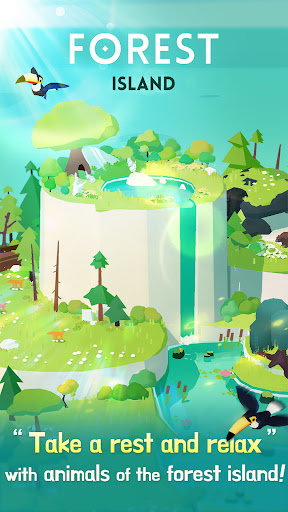
With over 7 million players worldwide
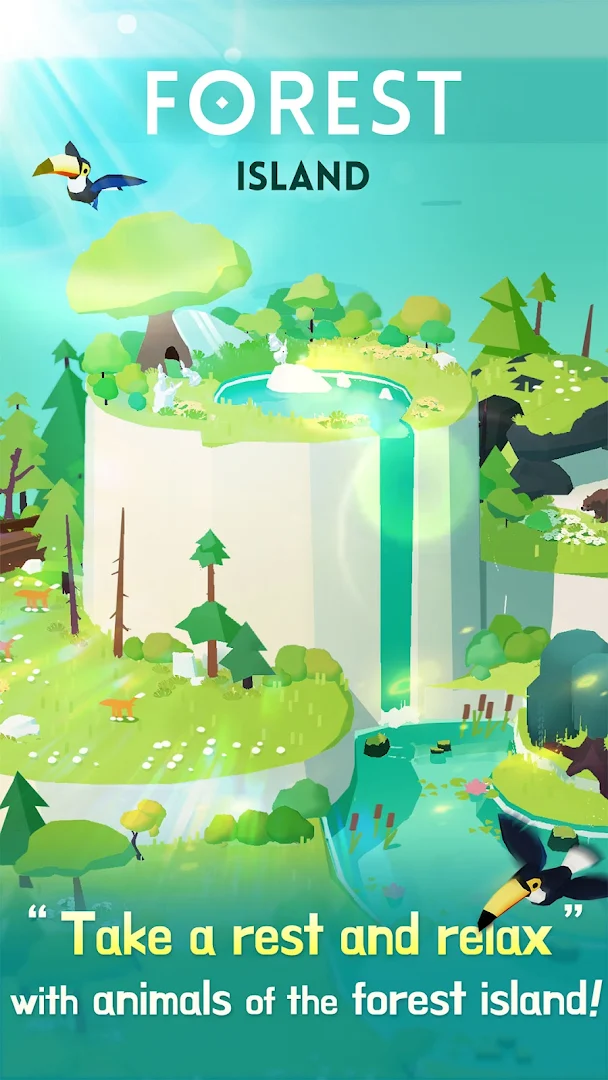
Immerse yourself in a world of peace and tranquility with this charming animal life simulation game
It’s the perfect choice for anyone who loves satisfying games and seeks anxiety relief through nature’s beauty.
This aesthetic game lets you create a peaceful island sanctuary filled with cute animal companions. As you grow various natural habitats and restore the environment, you’ll find yourself transported to a calming space where your stress is relieved.
Key Features:
Over 100 types of animal friends to discover:
Rabbits
Cats
Ducks
Raccoons and many more adorable creatures await you.
Bond with them and watch your island flourish.
Build and Expand Your Island:
Create lush forests, serene lakes, and cozy meadows. Clean up the environment and protect your natural world from the effects of climate change.
Relaxing Sounds and Music:
Enjoy peaceful ASMR sounds that include gentle rainfall, ocean waves, and birdsong. These elements make it one of the most calming games for anxiety relief and meditation.
Idle Gameplay for Ultimate Relaxation:
This chill game allows your island to grow even when you’re not actively playing. It’s perfect for those who want to take a mental break and unwind.
Experience a heartwarming adventure filled with cute animal games, nature sounds, and satisfying gameplay. It’s your sanctuary for relaxation.
Welcome Gift for New Users
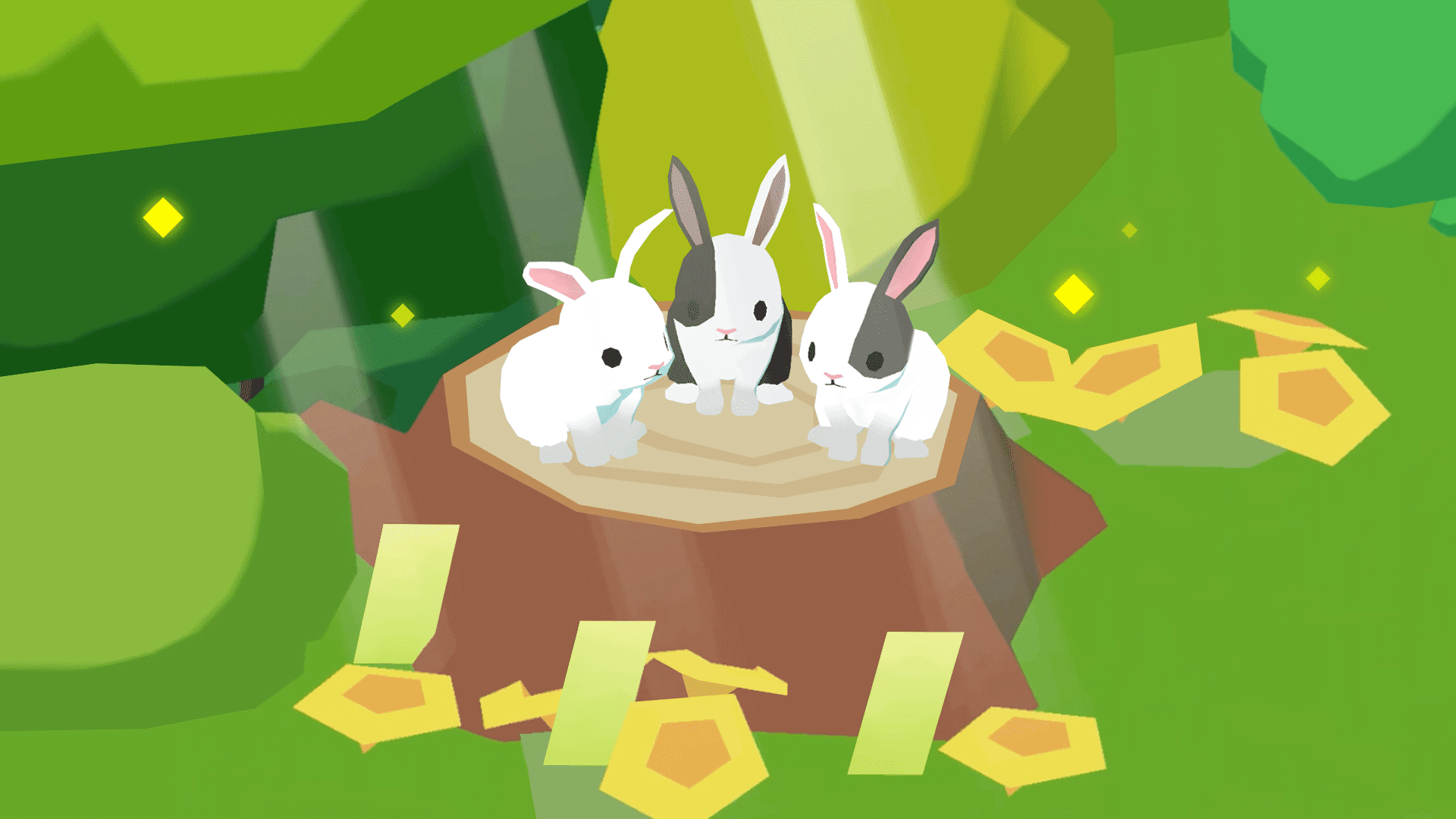
Adopt the cute [ The Three Little Rabbits ] and [ Albino Raccoon ] for free!
Selected as Google Play's Featured Game of the Week in Korea, 2023
Recipient of the Minister of Culture, Sports and Tourism Award, Korea, 2022
Selected as the Excellent Game of the Month by the Korea Creative Content Agency, 2022
Official Instagram
Follow Forest Island's official Instagram for special events, the latest news, and various animal relaxing content.
https://www.instagram.com/forrestisle/
Contact Us
support@nanali.freshdesk.com
Privacy Policy
http://www.nanali.net/home/info/2231
Terms of Service
http://www.nanali.net/home/info/2264
Show more

1. Download MEmu installer and finish the setup

2. Start MEmu then open Google Play on the desktop

3. Search Forest Island : Relaxing Game in Google Play
Install
4. Download and Install Forest Island : Relaxing Game
5. On install completion click the icon to start

6. Enjoy playing Forest Island : Relaxing Game on PC with MEmu
MEmu Play is the best Android emulator and 100 million people already enjoy its superb Android gaming experience. The MEmu virtualization technology empowers you to play thousands of Android games smoothly on your PC, even the most graphic-intensive ones.
Bigger screen with better graphics; Long duration, without limitation of battery or mobile data.
Full Keymapping support for precise control of keyboard and mouse or gamepad.
Multiple game accounts or tasks on single PC at one time with Multi-Instance manager.
Play Forest Island : Relaxing Game on PC by following steps:





























































![PUBG mobile update [Mar.2020] PC](https://www.memuplay.com/blog/wp-content/uploads/2019/11/121-1.jpg)