
Zen Match
Updated
Current Version
220000.1.407
Offered By

With your passion for Zen Match, you shouldn’t have to limit yourself to the small screen of a phone. Play like a pro and take full control of the game using a keyboard and mouse. MEmu gives you everything you’re looking for. Download and play Zen Match on PC. Play as long as you want — no more worries about battery life, mobile data, or unexpected calls. The all-new MEmu 9 is the best way to play Zen Match on PC. With our expertly designed keymapping system, Zen Match feels just like a real PC game. The MEmu multi-instance manager lets you run two or more accounts on the same device at the same time. Most importantly, our exclusive emulation engine unlocks your PC’s full potential, delivering smooth and seamless performance.
Show more
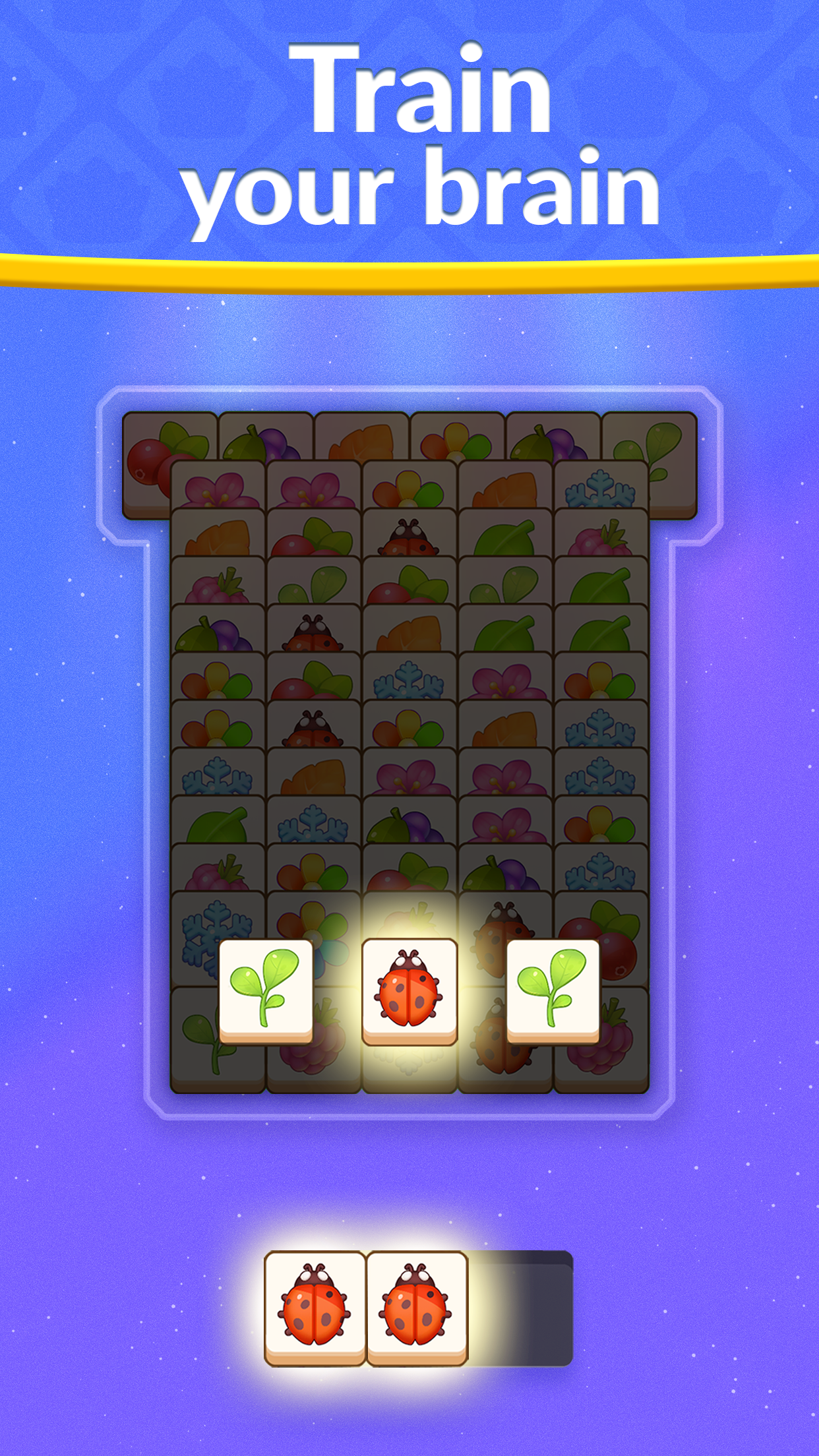
Download Zen Match on PC with MEmu Android Emulator. Enjoy playing on big screen. Playing Zen Match for 10 minutes a day sharpens your mind and prepares you for your daily life and challenges!
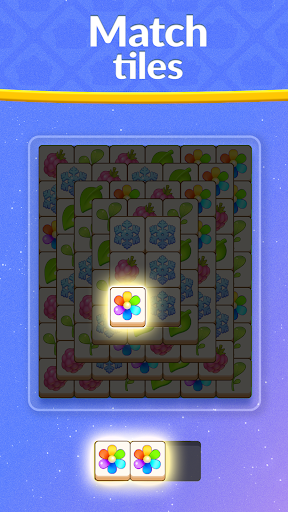
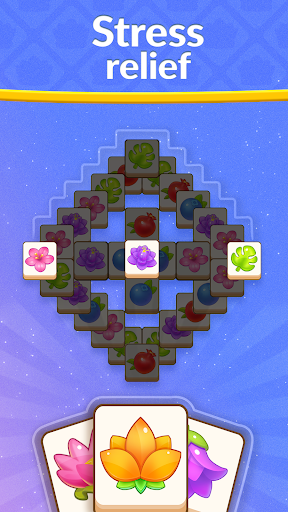
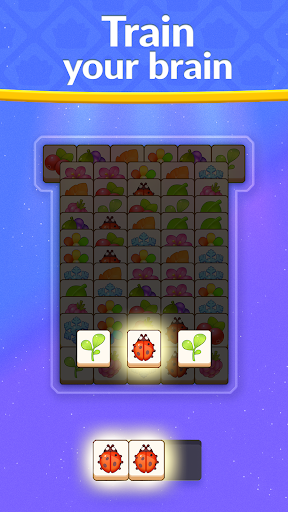
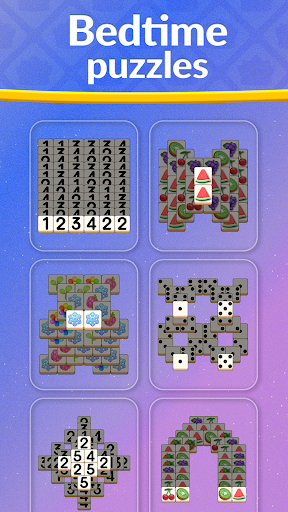
Playing Zen Match for 10 minutes a day sharpens your mind and prepares you for your daily life and challenges!
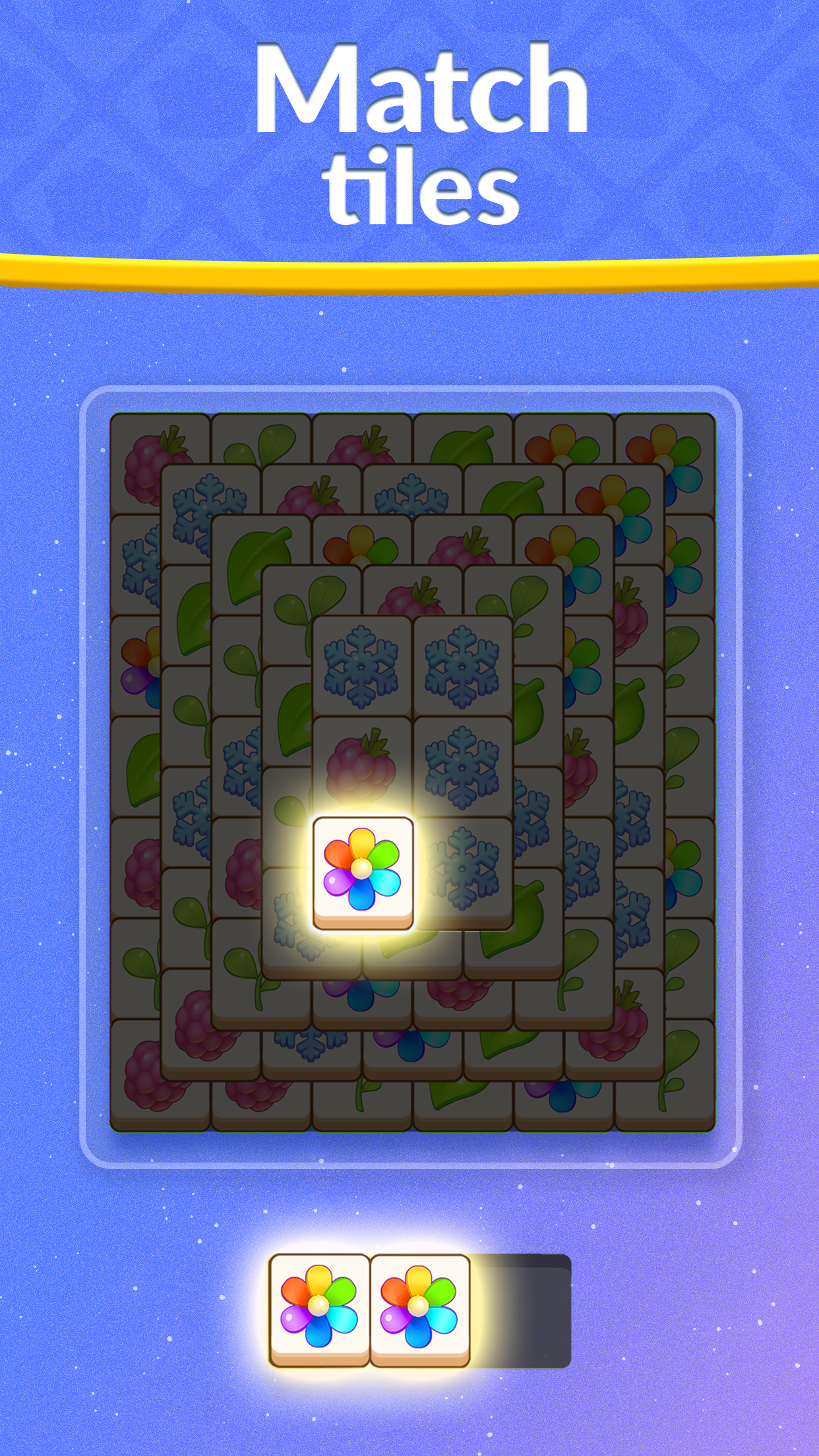
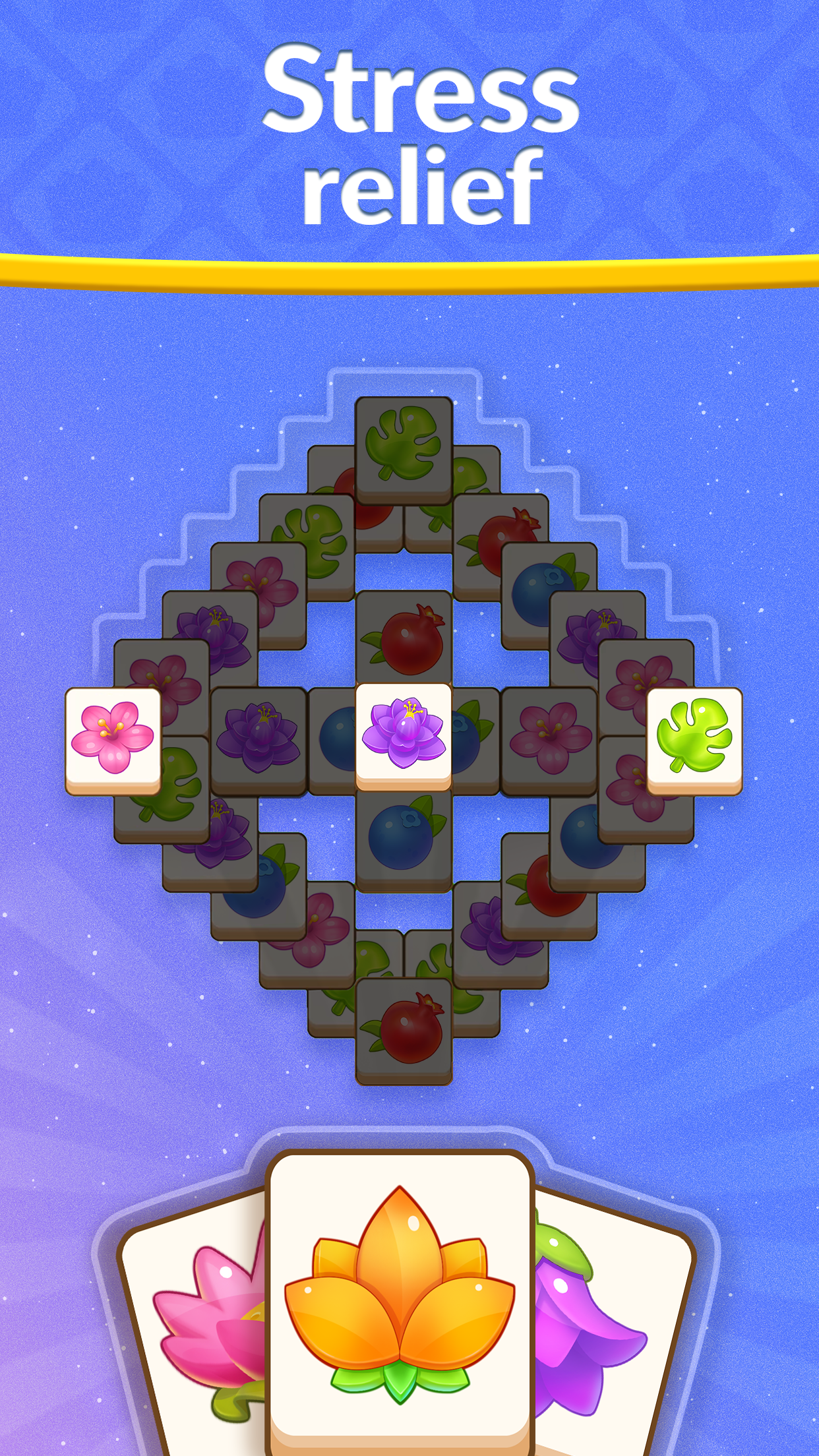
Enjoy this tile-matching mahjong puzzle, and have a moment of peace throughout your day to calm your mind and boost your brain. Sharpen & train your mind with a series of tile-matching levels that gradually increase puzzle difficulty. Relax, enjoy beautiful background sceneries, and use your creativity to decorate your own Zen room to relax!
Challenge yourself with this amazing mahjong-inspired game where your goal is to match 3 tiles and clear the board. If you love Match 3 puzzles or mahjong, you will love the challenge and relaxing effect of Zen Match. Match tiles, clear the board, decorate, and color your own relaxing room and find your peace in Zen Match!
Come back to it every day, as there are always new daily tile-matching mahjong puzzles to explore, which allows you to care for your very own house plant and become a mahjong master!
Our new-generation mahjong game will make you fall in love with solving tile-matching puzzles, coloring beautiful Zen rooms, reaching new levels, and becoming the match master. There's never a dull moment when you play our unique tile-matching puzzle game!
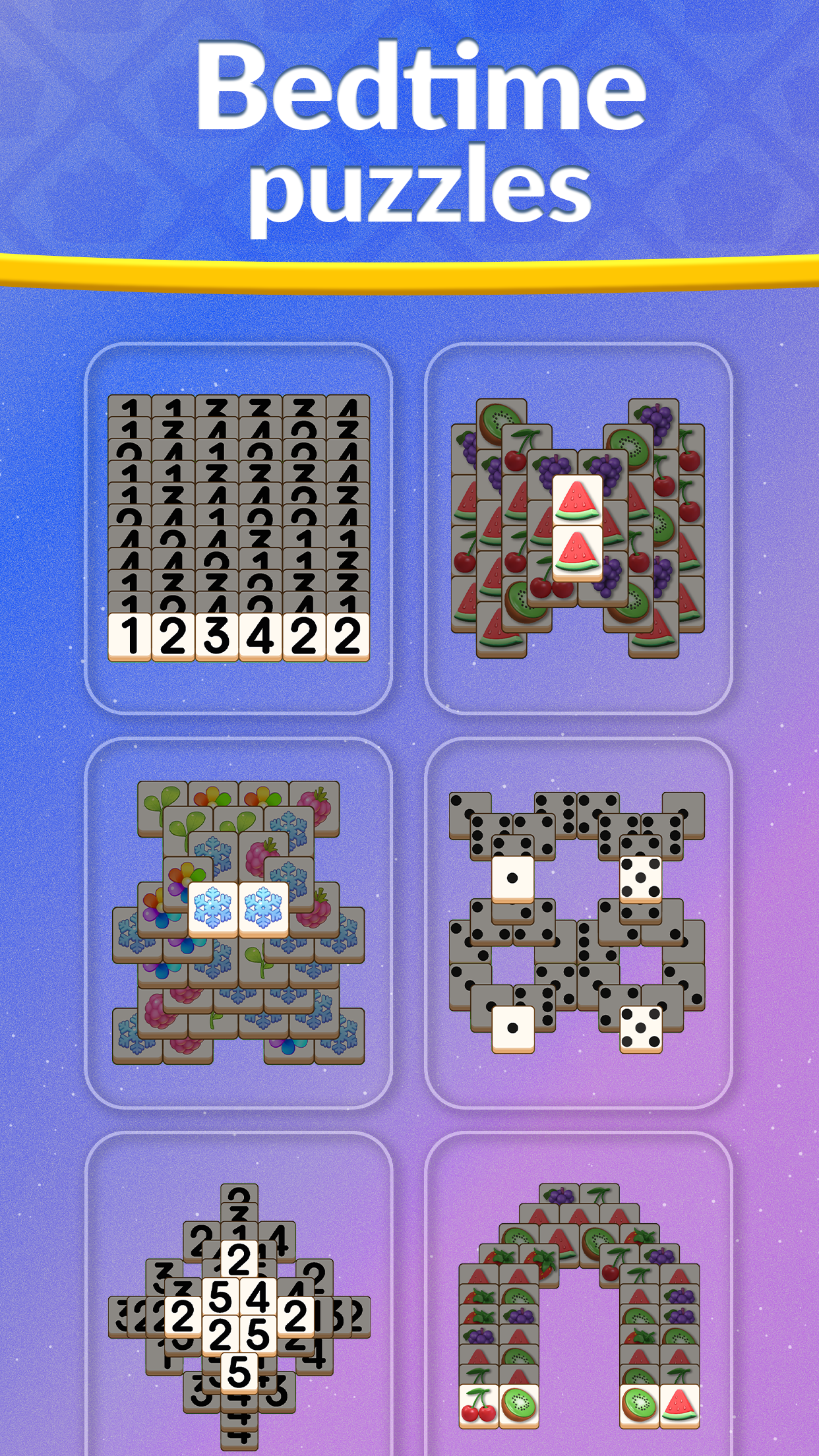
► Match Tiles - Challenge your brain with this matching puzzle game for adults through thousands of mahjong puzzles. Puzzles start with low difficulty and become challenging fast!
► Create a Calm Experience - Solve amazing yet always evolving tile-matching mahjong puzzles in a unique and calm experience then color unique Zen rooms.
► Relax and Have Fun - Take your time to solve the puzzles and clear the board. They are simply for your entertainment and will help you to train your brain while feeling relaxed.
► Create Your Own Designs - Decorate your own relaxing Zen space to escape and find your balance.
► Explore - Discover unique and relaxing sceneries displayed in the background while you master matching tiles.
► Make Unique Collections – Collect glorious rewards, coloring beautiful Zen places, relaxing rooms, stunning backgrounds, and various Zen tiles.
► Care for Plants - Solve daily puzzle challenges which allow you to care by coloring for your very own house plant.
Zen Match is a modern mahjong tile match puzzle game that has a user base of over 35+ million people! It is the highest-rated tile-matching game for puzzle lovers. If you are the master of games like match-3, blast, jigsaw, crossword, swipe, or other tile-matching puzzles, and love coloring then you'll love Zen Match.
Increase mindfulness, exercise your brain, and take control of your daily life through meditative puzzle games and a world of Zen design. Start your Zen journey today!
Follow Zen Match on Facebook and Instagram for exclusive offers and bonuses!
Facebook: facebook.com/zenmatchgame/
Instagram: instagram.com/zenmatchgame/
Terms of Service: https://static.moonactive.net/legal/terms.html?lang=en
Privacy Notice: https://static.moonactive.net/legal/privacy.html?lang=en
The game contains in-game purchases (including randomized items)
Questions about the game? Our support is ready and waiting at: https://support.zenmatchgame.com/hc/en-us
Show more

1. Download MEmu installer and finish the setup

2. Start MEmu then open Google Play on the desktop

3. Search Zen Match in Google Play
Install
4. Download and Install Zen Match
5. On install completion click the icon to start

6. Enjoy playing Zen Match on PC with MEmu
MEmu Play is the best Android emulator and 100 million people already enjoy its superb Android gaming experience. The MEmu virtualization technology empowers you to play thousands of Android games smoothly on your PC, even the most graphic-intensive ones.
Bigger screen with better graphics; Long duration, without limitation of battery or mobile data.
Full Keymapping support for precise control of keyboard and mouse or gamepad.
Multiple game accounts or tasks on single PC at one time with Multi-Instance manager.
Play Zen Match on PC by following steps:


























































![PUBG mobile update [Mar.2020] PC](https://www.memuplay.com/blog/wp-content/uploads/2019/11/121-1.jpg)