DOP 3: Displace One Part
Updated
Current Version
1.1.31
Offered By

With your passion for DOP 3: Displace One Part, you shouldn’t have to limit yourself to the small screen of a phone. Play like a pro and take full control of the game using a keyboard and mouse. MEmu gives you everything you’re looking for. Download and play DOP 3: Displace One Part on PC. Play as long as you want — no more worries about battery life, mobile data, or unexpected calls. The all-new MEmu 9 is the best way to play DOP 3: Displace One Part on PC. With our expertly designed keymapping system, DOP 3: Displace One Part feels just like a real PC game. The MEmu multi-instance manager lets you run two or more accounts on the same device at the same time. Most importantly, our exclusive emulation engine unlocks your PC’s full potential, delivering smooth and seamless performance.
Show more
Download DOP 3: Displace One Part on PC with MEmu Android Emulator. Enjoy playing on big screen. TWO PARTS LOGIC TO ONE PART LUNACY.
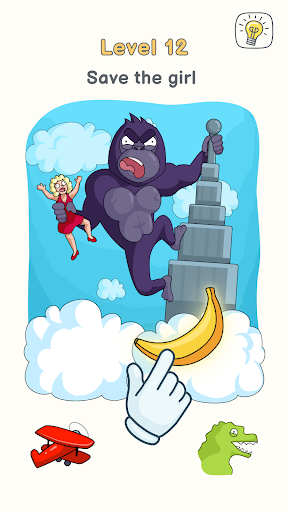
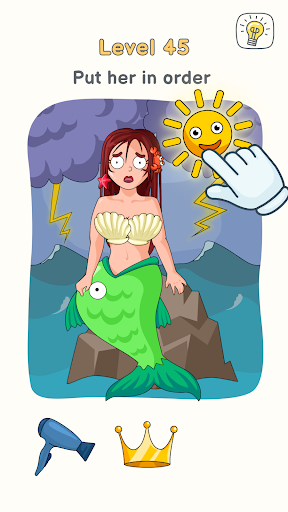
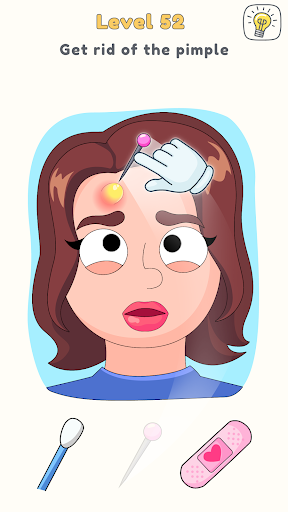
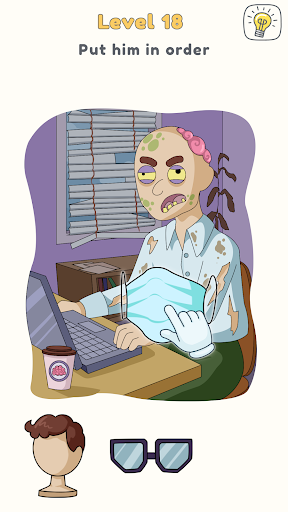
TWO PARTS LOGIC TO ONE PART LUNACY
First you drew. Next you deleted. Now dive into the latest instalment of the fiendishly entertaining puzzle game with a truly loony sense of humor and get displacing .
Fit the pieces into the right places on the picture, but make sure to get them in the right order too. Engage your brain and your sense of humor to solve an endless series of crazy puzzles where finding the solution is only half the fun – it’s the hilarious and inventive animations each solution launches that will keep you coming back to the DOPest logic game for more brain-tickling adventures and cartoon fun.
DISPLACEMENT ACTIVITIES
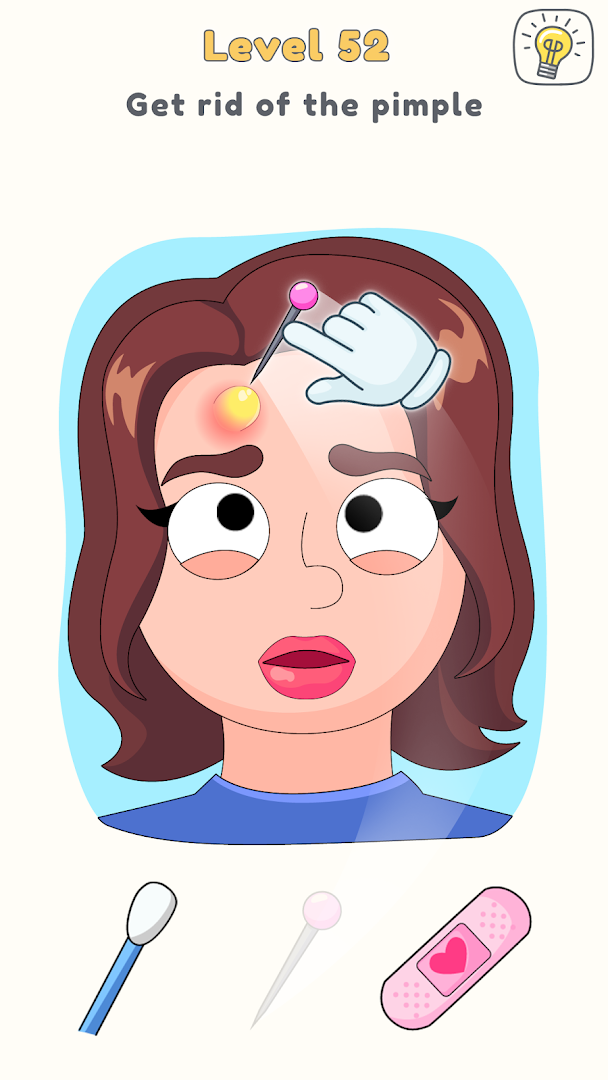
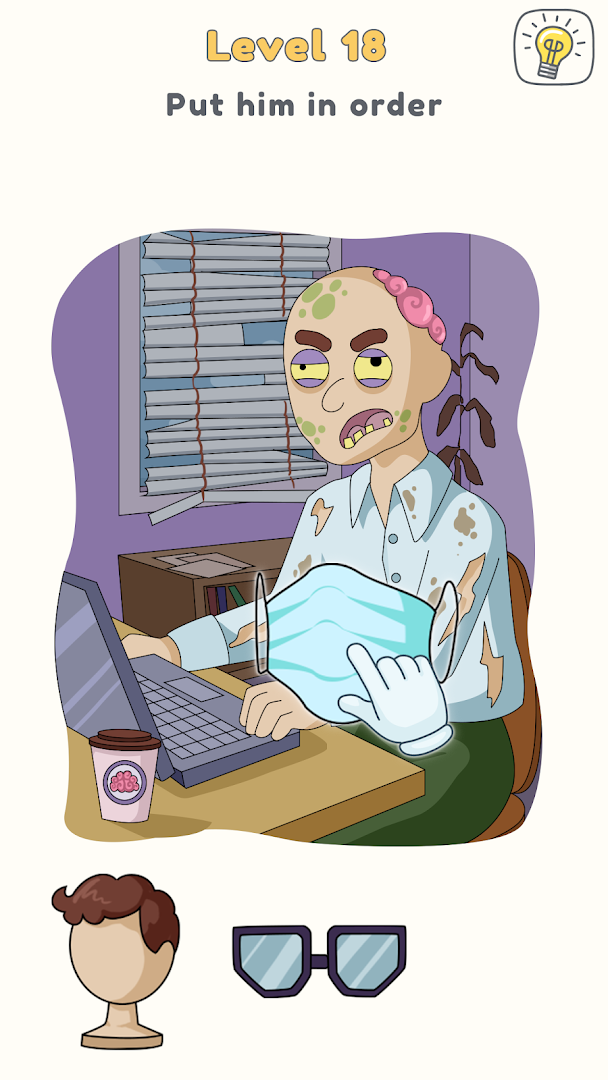
Familiar fun in a brand-new format – in the brand-new gameplay, you must put the three items in the right place on the picture and in the right order to solve the puzzle . Master the game’s simple mechanic then let your imagination run riot as you try to unravel each ingenious pictorial riddle.
Regular shots of DOPamine – over 100 puzzles are already in the game, each with its own unique comic situation and particular brand of crazy logic that will require all your lateral thinking powers to solve. Whether you’re helping Newton discover gravity or a woman shoplift fruit from the store, feeding a lizard or making a tired housewife her coffee, solving each tricky puzzle is guaranteed to put a smile on your face .
Picture riddles for players of all ages – kids and adults alike will find endless hours of entertainment in DOP 3. The game’s simple language, classic cartoon-style animations, and the ability to keep trying to displace the mystery until you find the right solution mean that even the youngest players can have fun training their brain and developing their rational thinking , while there’s plenty of wit and visual sophistication to keep seasoned puzzle-solvers interested too.
Exceptionally elegant solutions – the game’s clean design, bright graphics and jaunty music make DOP 3 a cheerful and relaxing place to spend time, even when you’re testing your logic with the trickiest, wackiest puzzles.
BECOME A DOP FIEND
Whether you’re already a fan of the previous two instalments or are coming to the world of DOP for the very first time, this utterly unique and endlessly surprising puzzle game is bound to find a place in your heart. Solving brain teasers has never been so simple and so funny, so download DOP 3: Displace One Part now and get thinking on the first puzzle. You’ll never look at the world quite the same way again.
Privacy Policy: https://say.games/privacy-policy
Terms of Use: https://say.games/terms-of-use
Show more

1. Download MEmu installer and finish the setup

2. Start MEmu then open Google Play on the desktop

3. Search DOP 3: Displace One Part in Google Play
Install
4. Download and Install DOP 3: Displace One Part
5. On install completion click the icon to start

6. Enjoy playing DOP 3: Displace One Part on PC with MEmu
MEmu Play is the best Android emulator and 100 million people already enjoy its superb Android gaming experience. The MEmu virtualization technology empowers you to play thousands of Android games smoothly on your PC, even the most graphic-intensive ones.
Bigger screen with better graphics; Long duration, without limitation of battery or mobile data.
Full Keymapping support for precise control of keyboard and mouse or gamepad.
Multiple game accounts or tasks on single PC at one time with Multi-Instance manager.
Play DOP 3: Displace One Part on PC by following steps:
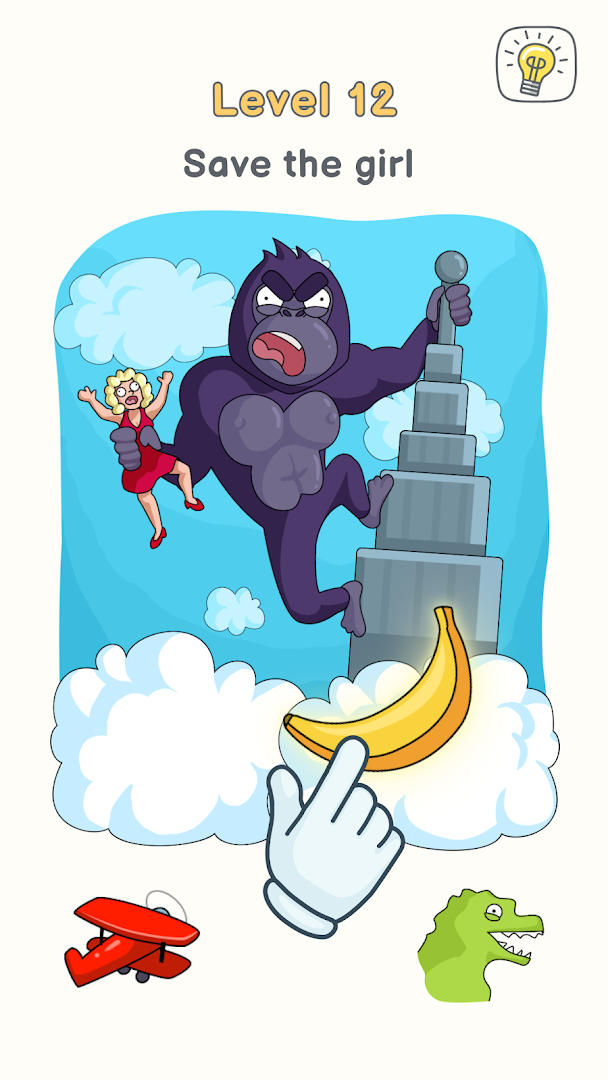
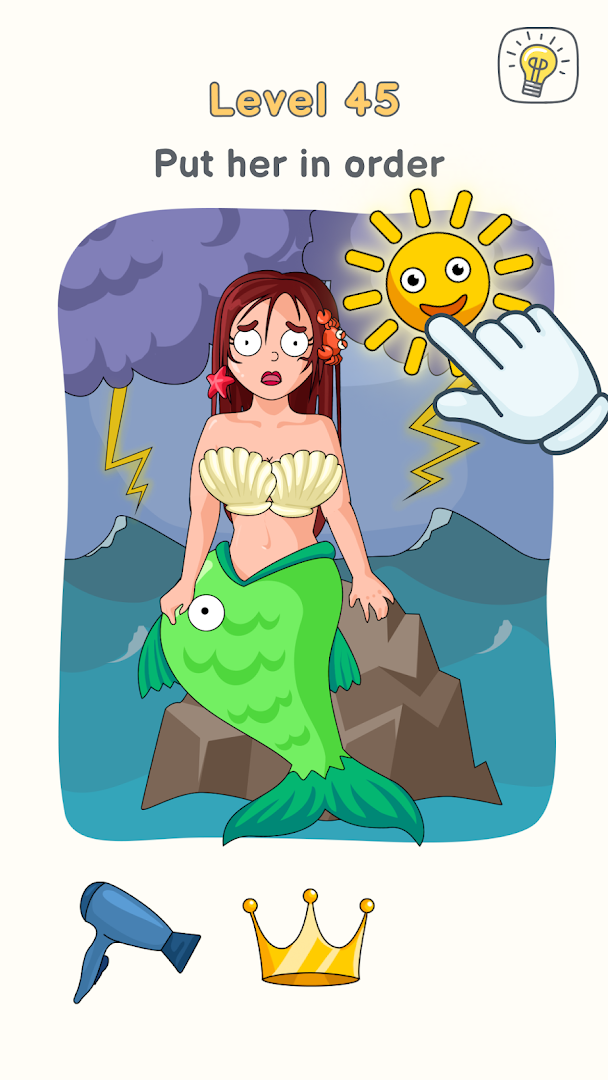




























































![PUBG mobile update [Mar.2020] PC](https://www.memuplay.com/blog/wp-content/uploads/2019/11/121-1.jpg)