Cytus II
Updated
Current Version
5.2.10
Offered By

With your passion for Cytus II, you shouldn’t have to limit yourself to the small screen of a phone. Play like a pro and take full control of the game using a keyboard and mouse. MEmu gives you everything you’re looking for. Download and play Cytus II on PC. Play as long as you want — no more worries about battery life, mobile data, or unexpected calls. The all-new MEmu 9 is the best way to play Cytus II on PC. With our expertly designed keymapping system, Cytus II feels just like a real PC game. The MEmu multi-instance manager lets you run two or more accounts on the same device at the same time. Most importantly, our exclusive emulation engine unlocks your PC’s full potential, delivering smooth and seamless performance.
Show more
Download Cytus II on PC with MEmu Android Emulator. Enjoy playing on big screen. "Cytus II" is a music rhythm game created by Rayark Games.
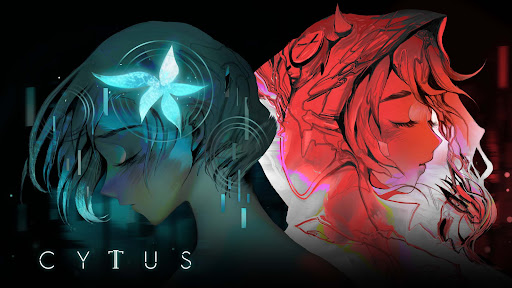
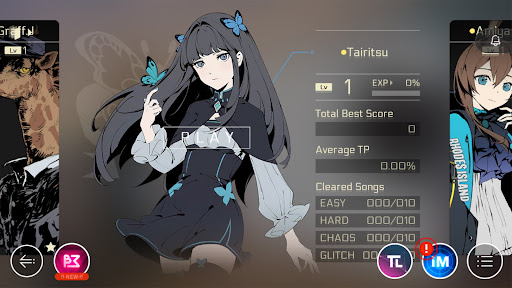
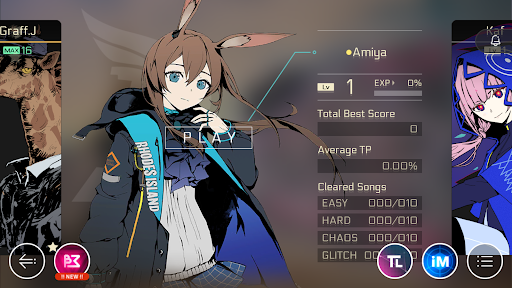
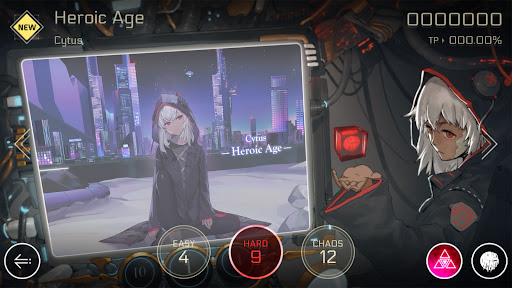
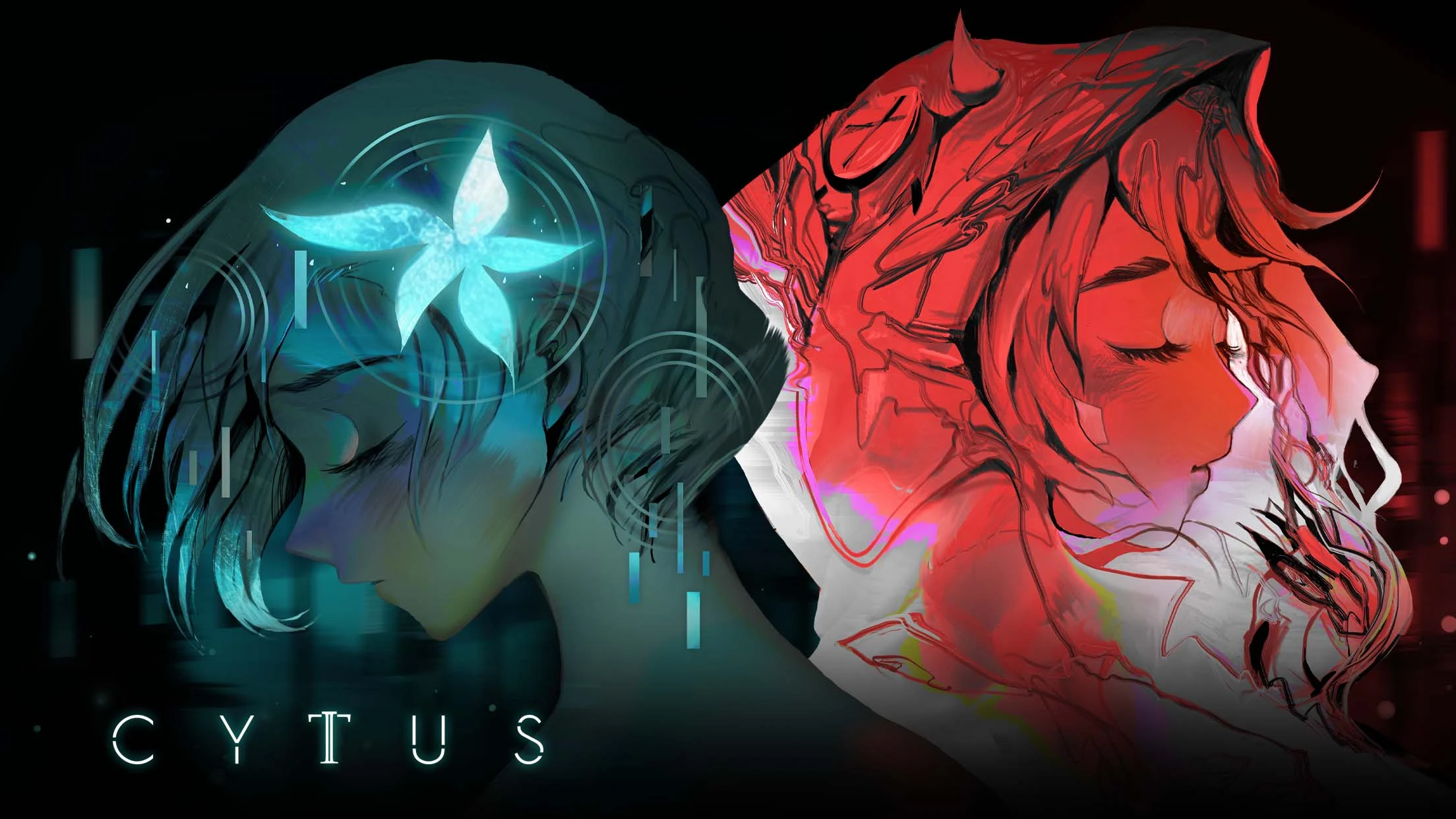
"Cytus II" is a music rhythm game created by Rayark Games. It's our fourth rhythm game title, following the footsteps of three global successes, "Cytus", "DEEMO" and "VOEZ". This sequel to "Cytus" brings back the original staff and is a product of hardwork and devotion.
In the future, humans have redefined internet development and connections. We can now easily sync the real world with the internet world, changing life as we have known for thousands of years.
In the mega virtual internet space cyTus, there exists a mysterious DJ legend Æsir. His music has an irresistible charm; people fall madly in love with his music. Rumor has it that every note and beat of his music hits the audiences in
the depths of their souls.
One day, Æsir, who had never shown his face before, suddenly announced that he will be holding the first mega virtual concert —— Æsir-FEST and will invite a top idol singer and a popular DJ as opening performances. The instant the ticket sales began, an unprecedented rush occurred. Everyone wanted to see Æsir's real face.
On the day of the FEST, millions of people were connected to the event. At one hour before the event started, the previous world record for most simultaneous connection was smashed. The whole city was on its feet, waiting for Æsir to descent from the skies...
Game Features:
- The unique "Active Judgement Line" rhythm game playstyle
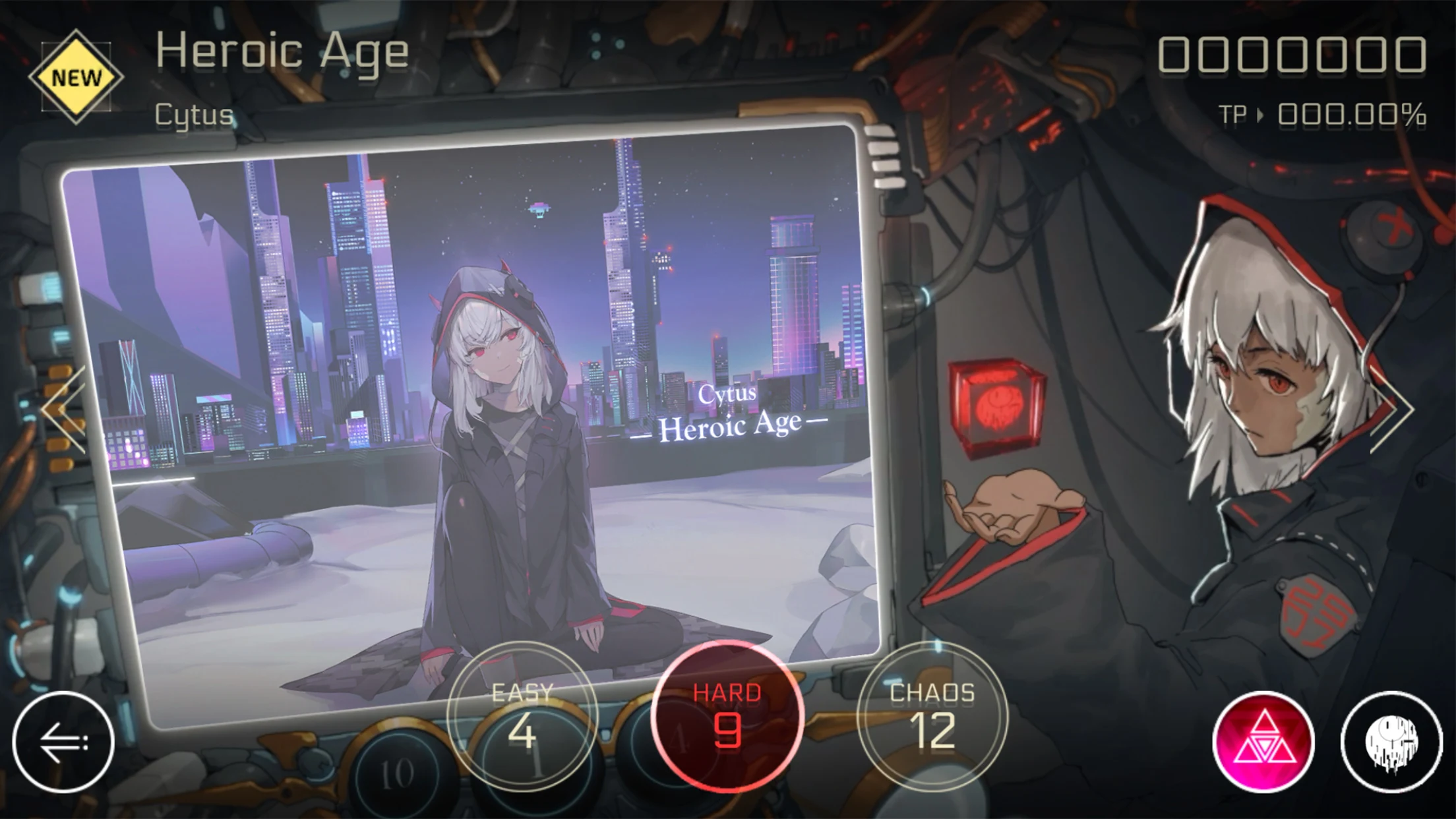
Tap the notes as the judgement line hits them to achieve a high score. Through five different kinds of notes and the judgement line that actively adjusts its speed according to the beat, the gameplay experience is further combined with the music. Players can easily immerse themselves in the songs.
- A total of 100+ high-quality songs (35+ in base game, 70+ as IAP)
The game includes songs by composers from all across the world, Japan, Korea, the US, Europe, Taiwan and more. Through the characters, players get to play songs from different genres including but not limited to: electronic, rock and classical. We are confident that this game will live up to the hype and expectations.
- Over 300 different charts
Over 300 different charts designed, from easy to hard. The rich game content can satisfy players of different levels. Experience exciting challenges and enjoyment through the sensation of your fingertips.
- Explore the virtual internet world with the game's characters
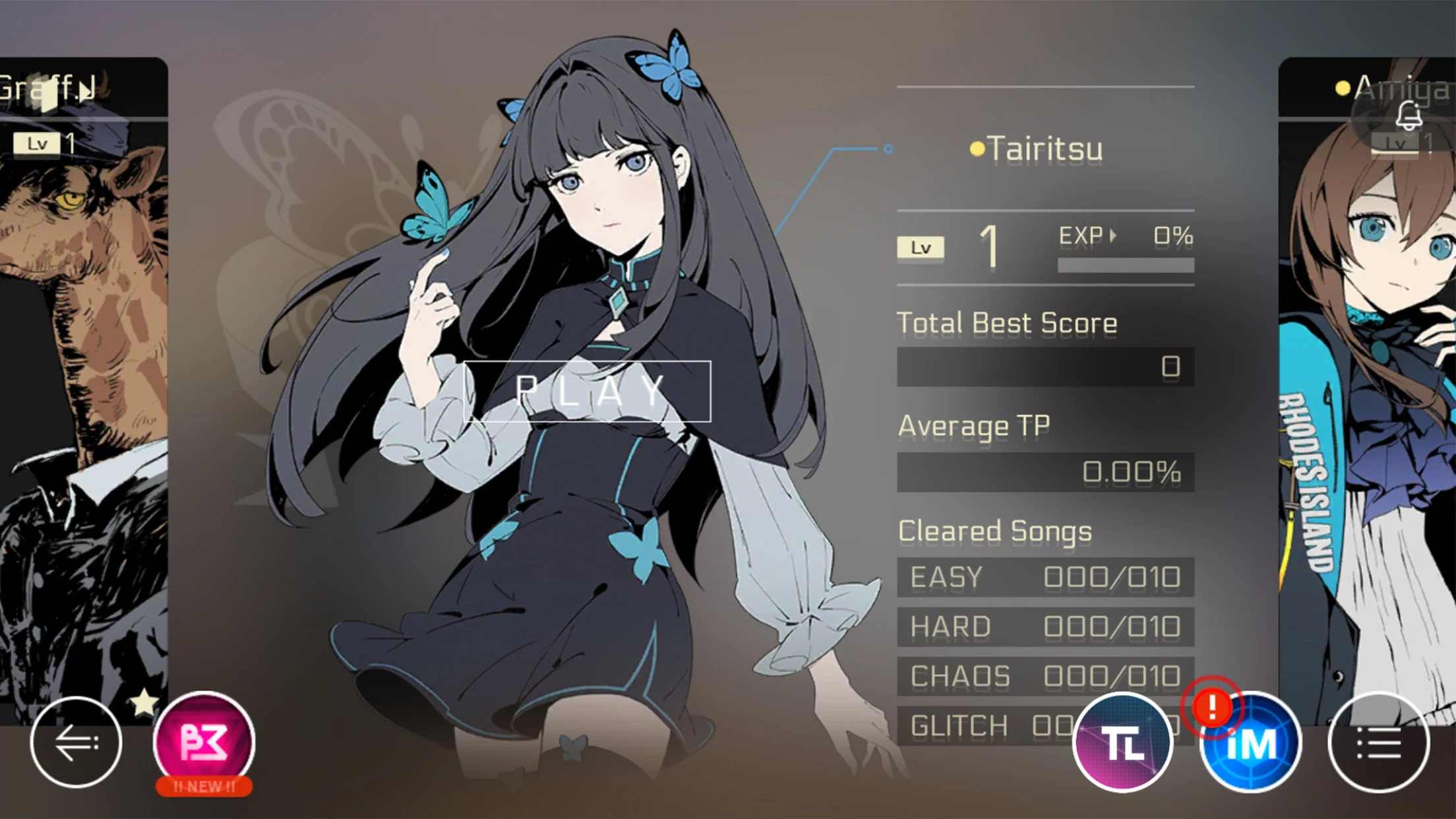
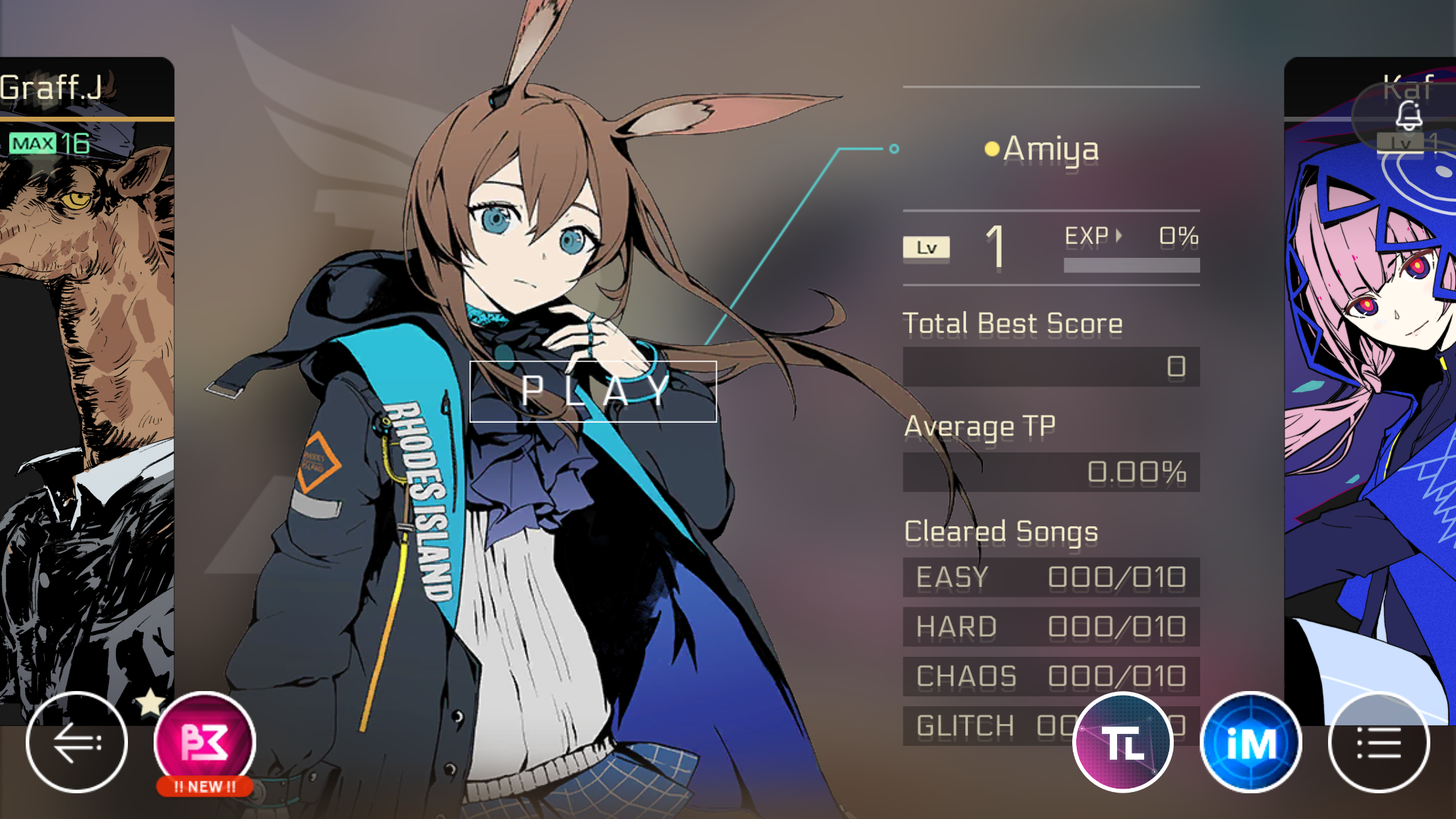
The one-of-a-kind story system "iM" will lead the players and the in-game characters to slowly piece together the story and world behind "Cytus II". Reveal the truth of the story with a rich, cinematic visual experience.
---------------------------------------
※ This game contains mild violence and vulgar language. Suitable for users age 15 and above.
※ This game contains additional in-app purchases. Please purchased base on personal interest and ability. Do not overspend.
※ Please pay attention to your game time and avoid addiction.
※ Please do not use this game for gambling or other illegal purposes.
Show more

1. Download MEmu installer and finish the setup

2. Start MEmu then open Google Play on the desktop

3. Search Cytus II in Google Play
Install
4. Download and Install Cytus II
5. On install completion click the icon to start

6. Enjoy playing Cytus II on PC with MEmu
MEmu Play is the best Android emulator and 100 million people already enjoy its superb Android gaming experience. The MEmu virtualization technology empowers you to play thousands of Android games smoothly on your PC, even the most graphic-intensive ones.
Bigger screen with better graphics; Long duration, without limitation of battery or mobile data.
Full Keymapping support for precise control of keyboard and mouse or gamepad.
Multiple game accounts or tasks on single PC at one time with Multi-Instance manager.
Play Cytus II on PC by following steps:






















































![PUBG mobile update [Mar.2020] PC](https://www.memuplay.com/blog/wp-content/uploads/2019/11/121-1.jpg)