The Battle Cats
Updated
Current Version
15.5.0
Offered By

With your passion for The Battle Cats, you shouldn’t have to limit yourself to the small screen of a phone. Play like a pro and take full control of the game using a keyboard and mouse. MEmu gives you everything you’re looking for. Download and play The Battle Cats on PC. Play as long as you want — no more worries about battery life, mobile data, or unexpected calls. The all-new MEmu 9 is the best way to play The Battle Cats on PC. With our expertly designed keymapping system, The Battle Cats feels just like a real PC game. The MEmu multi-instance manager lets you run two or more accounts on the same device at the same time. Most importantly, our exclusive emulation engine unlocks your PC’s full potential, delivering smooth and seamless performance.
Show more
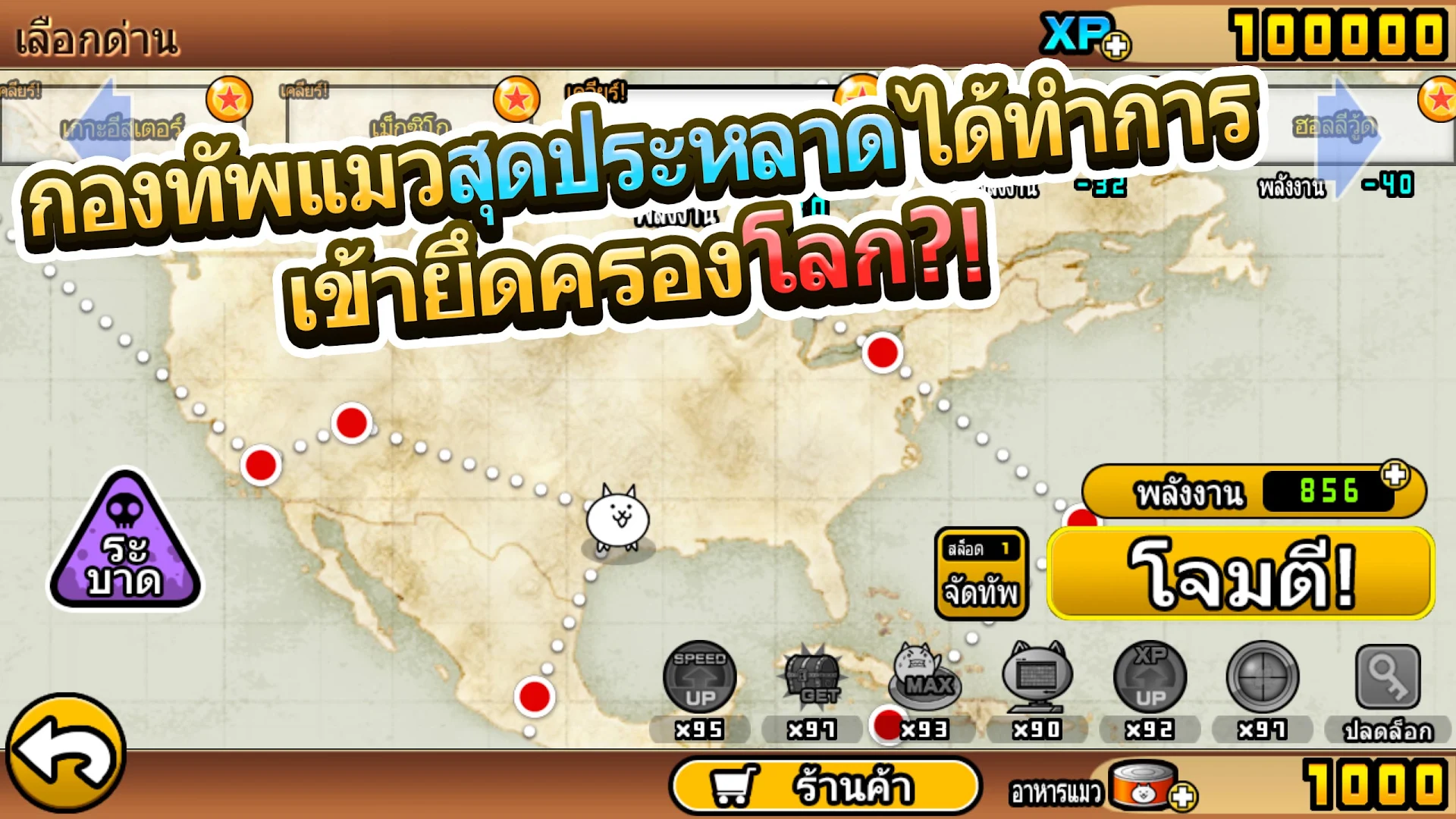
Download The Battle Cats on PC with MEmu Android Emulator. Enjoy playing on big screen. Weirdly Cute Cats rampage across the world!
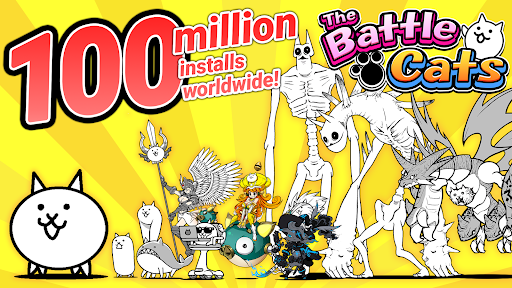
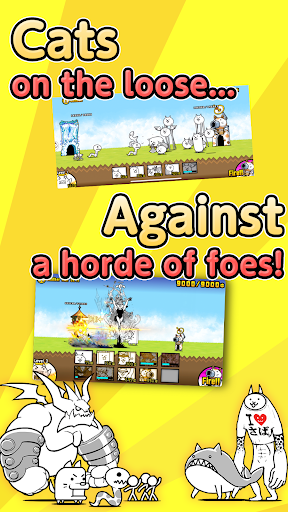
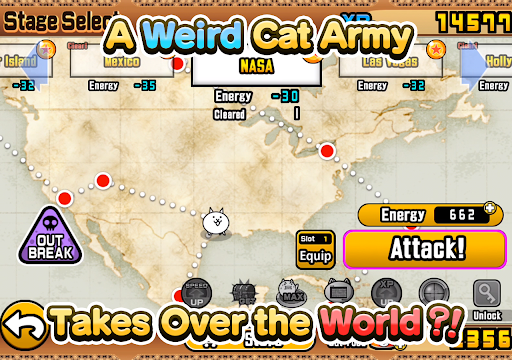
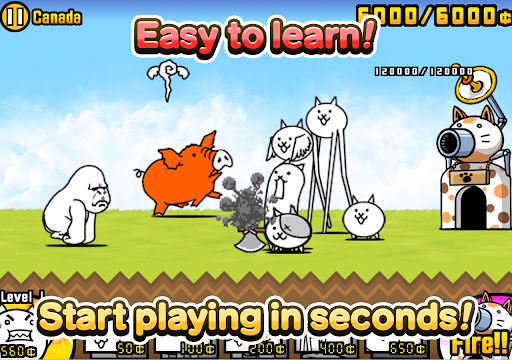
Weirdly Cute Cats rampage across the world!
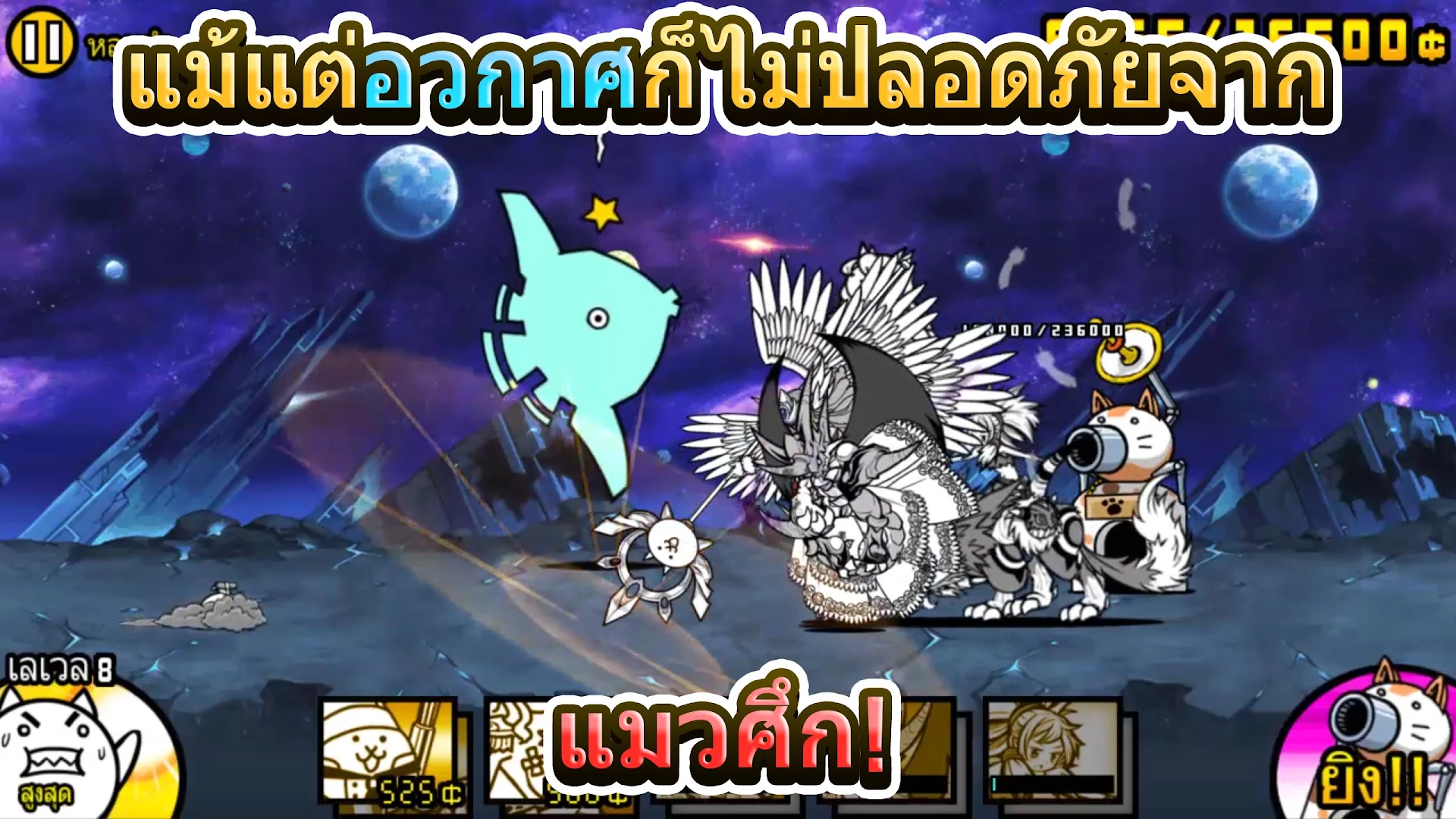
Command your Cats with simple controls in a battle through space and time! No need to register to develop your own Cat Army! BATTLE WITH ALL THE CATS!!
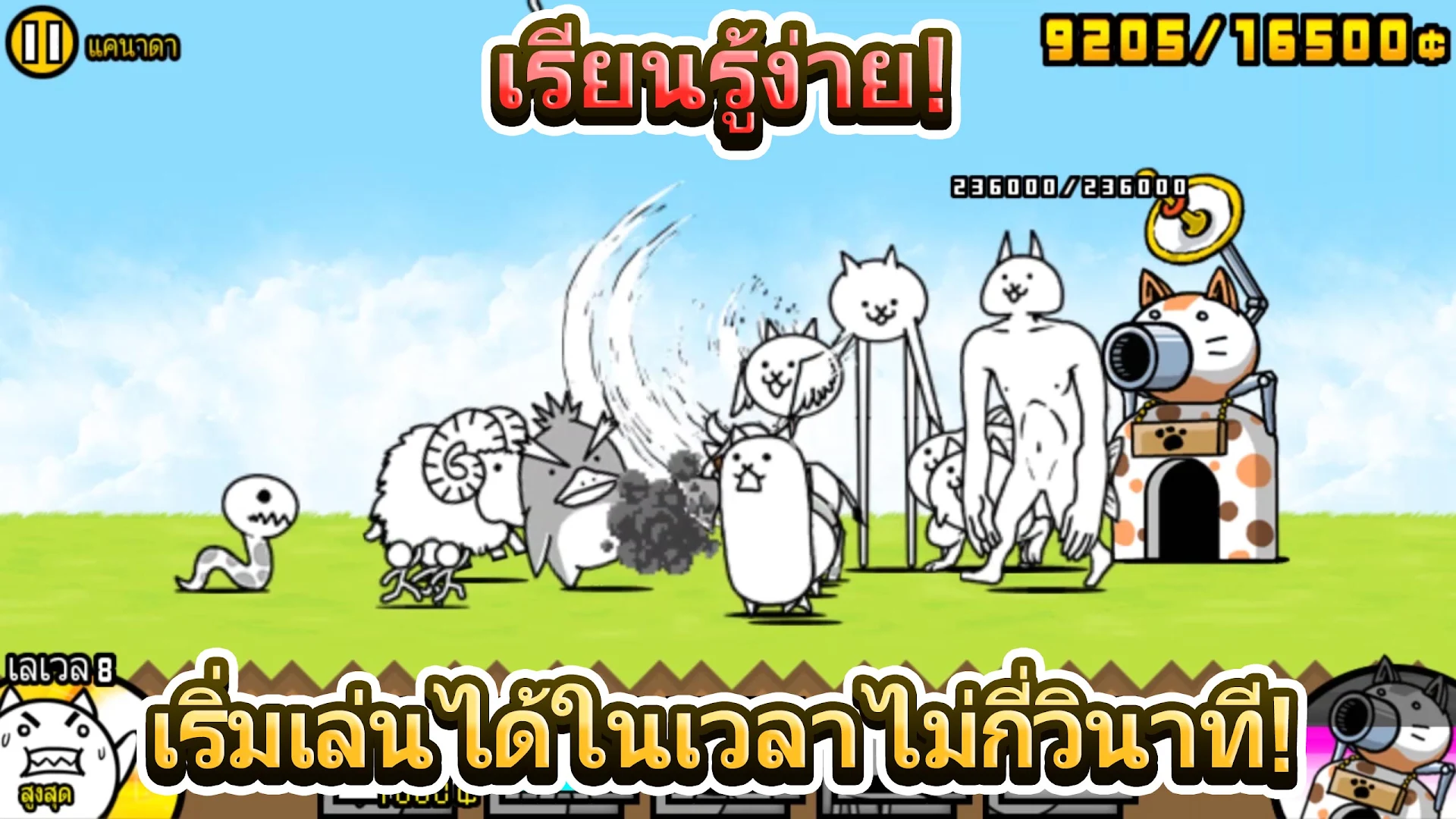
=Super Simple Battle System=
Just tap on the Cat you want to fight for you!
Fire the Cat Cannon to blast baddies getting too close to your base! Overcome weird enemies with the right Cat squad and take down the enemy base!
=Super Simple Leveling System=
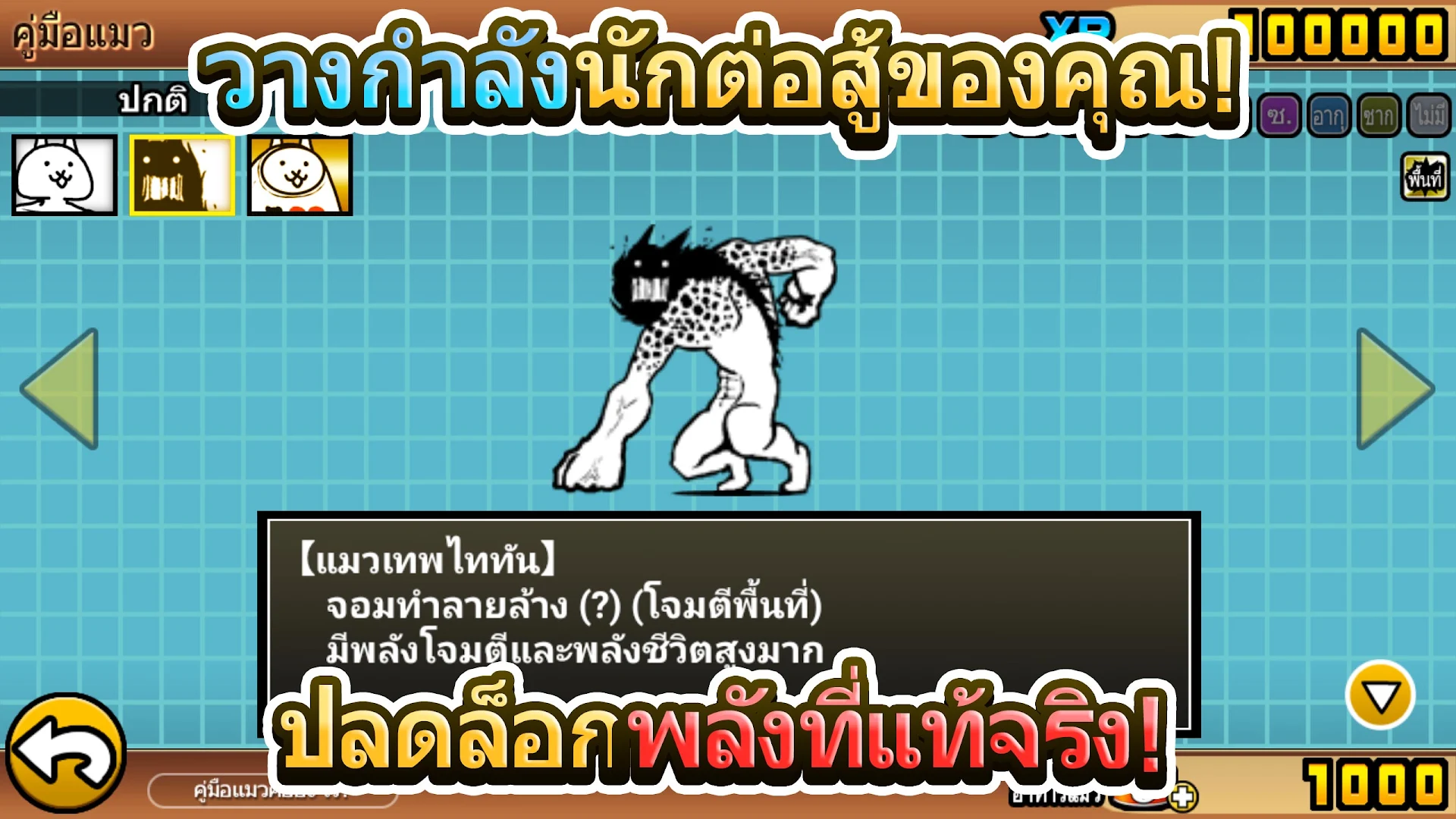
Clear stages to get XP and items to level up the Cats! What will they evolve to at level 10? Can you unlock their True Form?
=Super Simple Fun!=
Collect glorious treasures while you take over the world!
Recruit dozens of rare and exotic Cats(?) and create the ultimate feline army!!
Hundreds of stages across three Story Mode adventures and the Legend challenges.
Perfect for Casual Play! Fun for all ages, anyone (and their cat too!) can enjoy the "Battle Cats"!
What type of Cats will YOU battle with today? Bring on the weirdly cute Battle Cat army!
****************************
* "The Battle Cats" requires a network connection for reliable access to gameplay features.
* Downloading or updating "The Battle Cats" requires a stable network connection to prevent errors.
A notification of a large download will appear before installation.
If you are not in a location with strong Wi-Fi, please uncheck the "Update over Wi-Fi only (Android)" option or turn “Use Cellular Data" on before you begin downloading.
An unstable connection environment during download and/or updates may result in installation issues.
* There will be regular updates for "The Battle Cats" with new and improved features. However, some older devices may not be able to support these changes.
Please be aware of this before you update. If there are any problems, please feel free to contact our tech support at support_en@bc01.ponos.net
****************************
Before you start playing, please read the "Terms of Use" carefully.
By downloading and playing "The Battle Cats", you agree to these Terms.
Terms of Use
https://ponosgames.com/reg/en/agreement/index.html
Privacy Policy
https://ponosgames.com/reg/en/policy/index.html
Presented by PONOS
Show more

1. Download MEmu installer and finish the setup

2. Start MEmu then open Google Play on the desktop

3. Search The Battle Cats in Google Play
Install
4. Download and Install The Battle Cats
5. On install completion click the icon to start

6. Enjoy playing The Battle Cats on PC with MEmu
MEmu Play is the best Android emulator and 100 million people already enjoy its superb Android gaming experience. The MEmu virtualization technology empowers you to play thousands of Android games smoothly on your PC, even the most graphic-intensive ones.
Bigger screen with better graphics; Long duration, without limitation of battery or mobile data.
Full Keymapping support for precise control of keyboard and mouse or gamepad.
Multiple game accounts or tasks on single PC at one time with Multi-Instance manager.
Play The Battle Cats on PC by following steps: