Shopee: 12.12 Birthday Sale
Updated
Current Version
3.70.28
Offered By

Stop worrying about high battery drain when using Shopee: 12.12 Birthday Sale on your phone. Free yourself from the tiny screen and enjoy the app on a much larger display. From now on, get a full-screen experience of your app with the convenience of a keyboard and mouse. MEmu offers you all the surprising features you’d expect: quick installation and easy setup, intuitive controls, and no more worries about battery life, mobile data, or unexpected calls. The all-new MEmu 9 is the choice for using Shopee: 12.12 Birthday Sale on your computer. With the MEmu multi-instance manager, you can run two or more accounts at the same time. Most importantly, our exclusive emulation engine unlocks your PC’s full potential, delivering smooth and enjoyable performance.
Show more
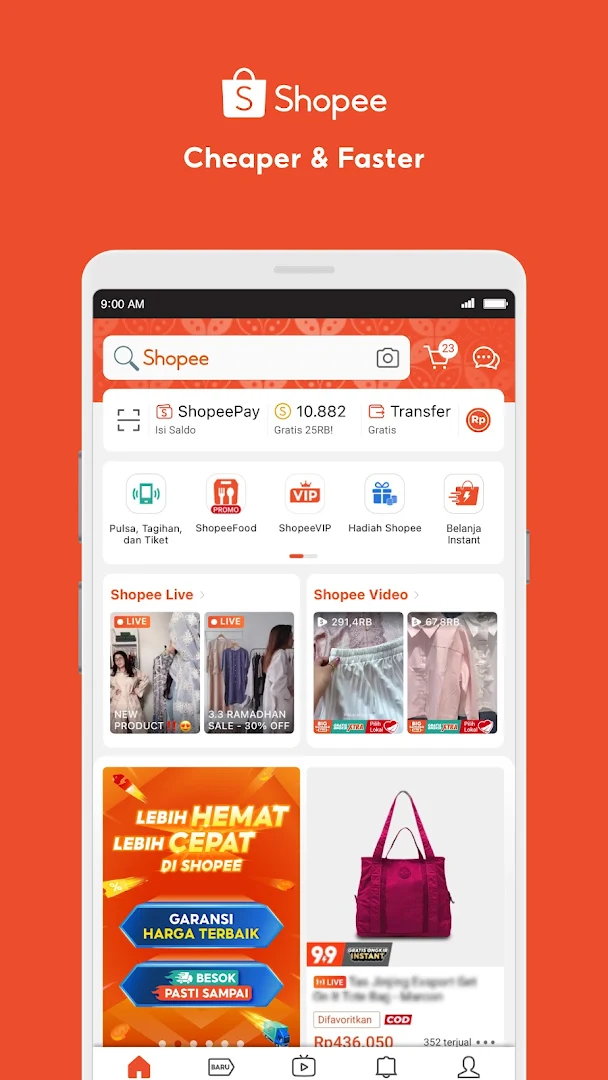
Enjoy superb experience of using Shopee: 12.12 Birthday Sale on PC with MEMU App Player. It's a powerful free Android emulator which provides you with thousands of android apps for their desktop version. Enjoy connecting with friends and polishing your work with higher efficiency! Shopee offers a cheaper and faster online shopping experience for millions of users everyday.

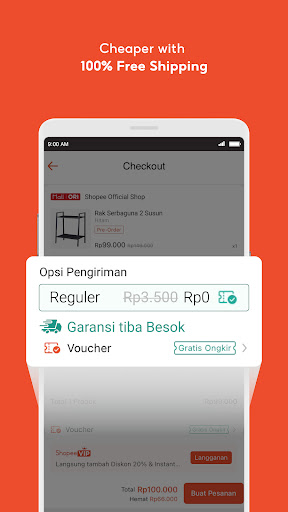
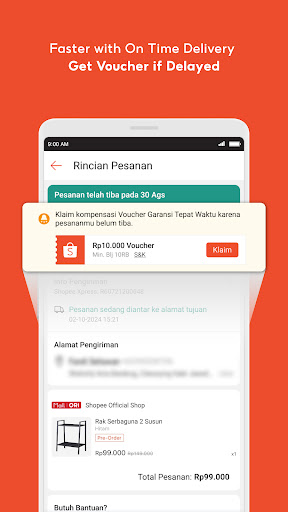
Shopee offers a cheaper and faster online shopping experience for millions of users everyday. Users can buy and sell products safely anywhere and everywhere!
Enjoy the best offers & features:
- The no.1 online shopping place to shop for local products. Find a variety of the best local products on Shopee!
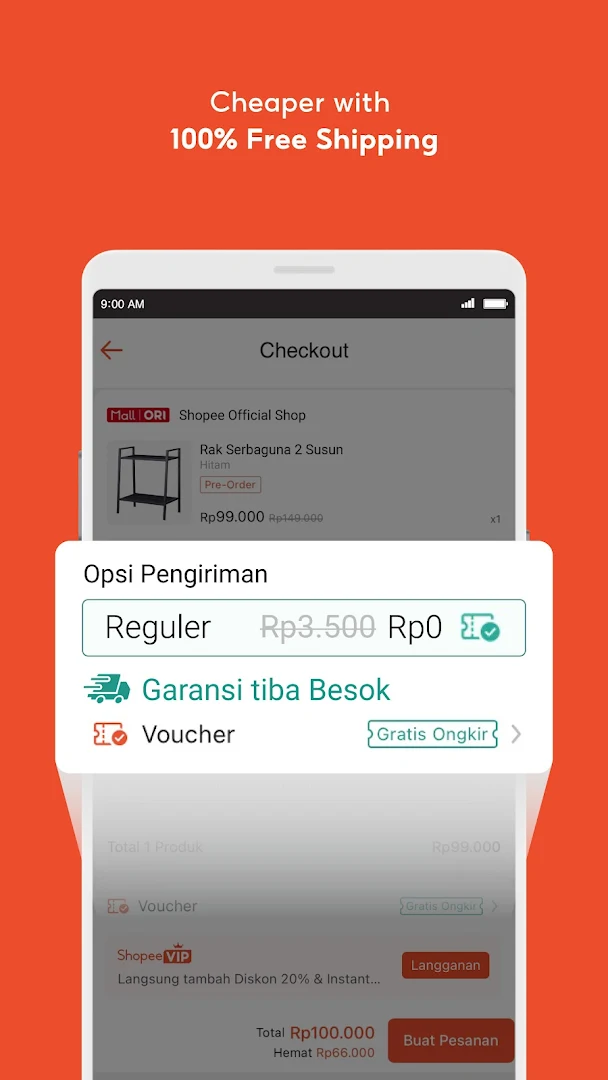
- No shipping fee across Indonesia
- Interact and view your favorite items live on Shopee Live.
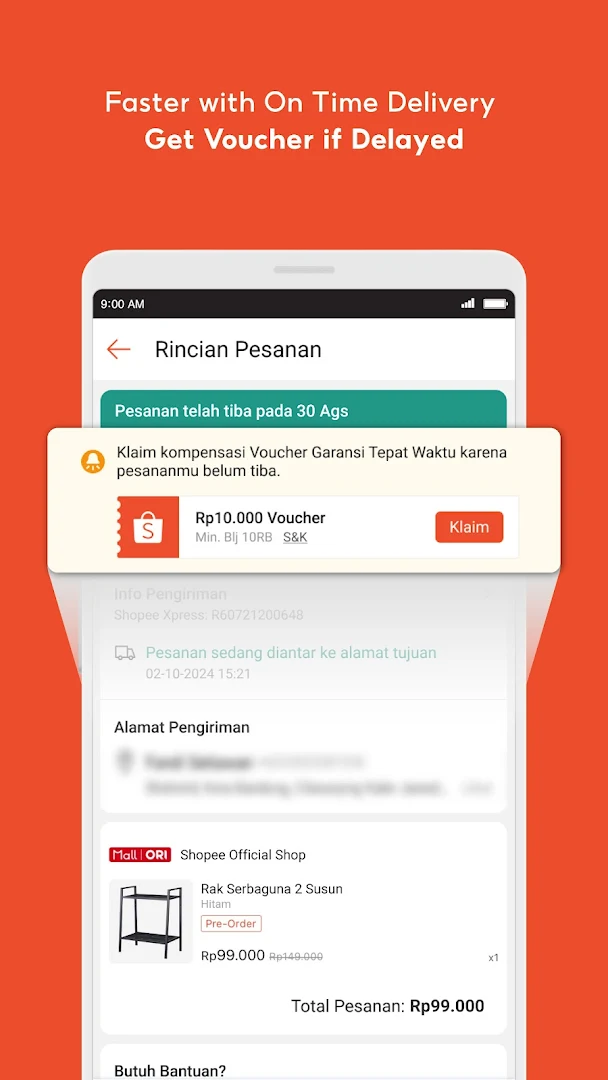
- On Time Delivery Guarantee, ensuring timely delivery. Receive a free voucher if delays occur!
- Enjoy the best prices every day on Flash Sale & Termurah di Shopee.
- Special discounts & free shipping, specifically for new users
- 100% original products from all online shops in Shopee Mall.
------------
Shopee is a trusted e-commerce platform in Indonesia. Shopee supports the digital transformation of businesses and enhances their coverage, while also assisting a greater number of users in accessing and utilizing digital services, as well as empowering local communities and MSMEs. Shopee continues to be committed to helping MSME entrepreneur partners, local entrepreneurs, and brands to be successful in the digital economy.
------------
Shopee is collaborating with PT Lentera Dana Nusantara to offer a cash loan service called SPinjam via the Shopee application. SPinjam by PT Lentera Dana Nusantara is licensed and supervised by the OJK (Financial Services Authority). SPinjam provides cash funds up to 50 million and a loan repayment period of 3-12 months.
Loan Simulation:
Loan Amount: Rp3,000,000
Loan Period: 6 months
Interest Rate: 1.95% per month (Maximum Annual Percentage Rate 27%)
Administrative Fee: 1% per transaction.
Therefore, the Total Payment = Rp3,381,000 or Rp563,500 per month
Per Shopee's Privacy Policy, we are committed to protect all data and information of our users.
Address: Jl. Jenderal Sudirman Kav. 3, Karet Tengsin, Tanah Abang, Jakarta Pusat 10220
------------
Visit our WEBSITE: www.shopee.co.id
Like us on FACEBOOK: facebook.com/ShopeeID
Follow us on TWITTER: twitter.com/ShopeeID
Follow us on INSTAGRAM: @shopee_ID
Show more

1. Download MEmu installer and finish the setup

2. Start MEmu then open Google Play on the desktop

3. Search Shopee: 12.12 Birthday Sale in Google Play
Install
4. Download and Install Shopee: 12.12 Birthday Sale
5. On install completion click the icon to start

6. Enjoy using Shopee: 12.12 Birthday Sale on PC with MEmu
MEmu Play is the best Android emulator, and 100 million users already enjoy its superb Android app experience. Powered by advanced virtualization technology, it lets you enjoy thousands of Android apps smoothly on your PC—including the most graphics-intensive ones.
Bigger screen with better graphics; Long duration, without limitation of battery or mobile data.
Full Keymapping support for precise control of keyboard and mouse or gamepad.
Multiple game accounts or tasks on single PC at one time with Multi-Instance manager.
Use Shopee: 12.12 Birthday Sale on PC by following steps: