
Udemy Business
更新日
現在のバージョン
5.53.0
提供元

スマートフォンは不要!パソコンと同じようにキーボードとマウスで操作できます。MEmu Playは、あなたが待ち望んでいたすべての楽しみをお届けします。バッテリー残量や小さな画面を気にすることなく、Udemy Businessをご利用ください。最新のMEmu 9は、Udemy BusinessをPCで体験するのに最適です!完璧なキーマッピングシステムにより、PCのようなスムーズな操作性を実現します。マルチインスタンス機能により、複数のアプリケーションを同時に実行できます。独自の仮想化エンジンがPCのパフォーマンスを最大限に引き出します。アプリを使用するだけでなく、高品質な体験を得ることができます。
もっと見る
Udemy BusinessをPCでダウンロード!大画面でより楽しむ。電源が落ちてしまうとか通信料が足りないとかの問題を心配する必要がなく、PCの大画面でより快適にゲームを楽しましょう! Udemy Business features 17,000+ top-rated and most relevant courses for you to learn new skills anytime, anywhere.
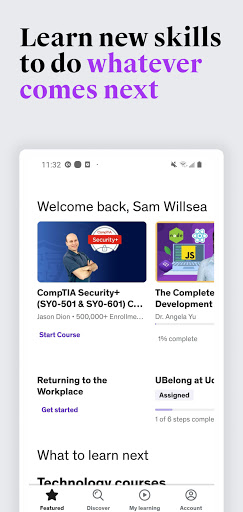
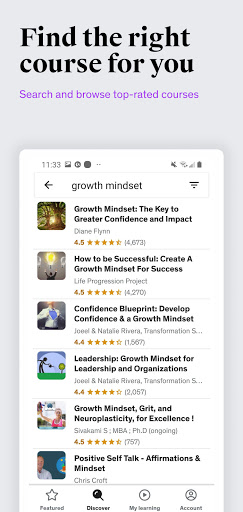
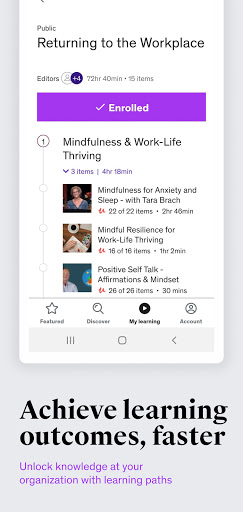
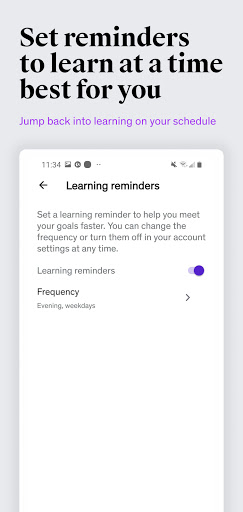
Udemy Business features 17,000+ top-rated and most relevant courses for you to learn new skills anytime, anywhere. From software development, IT, design, leadership to communication skills, the Udemy Business mobile app puts the freshest, most in-demand content in your hands. Upskill your talents and learn from highly respected real-world practitioners, thought leaders, and experts from around the world.
*A Udemy Business license is required to access this app.
Features:
Stream course videos, listen to audio lectures and view course materials
View your Learning Paths on the go
Discover and search for relevant content
View archived or favorite courses with just a few taps
Optimal learning with the ability to take quizzes or practice exams on your phone
Download and watch lessons offline
Set your own pace and choose different speed options
Interact with instructors through our Q&A feature
About Udemy Business:
Udemy Business helps companies stay competitive in today’s rapidly changing workplace by offering fresh, on-demand learning content through a powerful content marketplace. Our mission is to help employees do whatever comes next- whether that’s the next project to tackle, skill to learn or role to master. Leading organizations including SurveyMonkey, PayPal, Lyft, Booking.com, Adidas and HSBC choose Udemy Business to upskill their workforce and drive learning forward.
もっと見る

1. MEmuインストーラーをダウンロードしてセットアップを完了する

2. MEmuを起動し、デスクトップでのPlayストアを開く

3. PlayストアでUdemy Businessを検索する
Install
4. Udemy Businessをダウンロードしてインストールする
5. インストールが完了したら、アイコンをクリックしてスタート

6. MEmuを使ってパソコンでUdemy Businessを体験する
MEmu Playは現在、最高の無料Androidエミュレーターであり、5,000万人のユーザーが優れたAndroidアプリ体験を楽しんでいます。MEmuの仮想化テクノロジーにより、数千ものAndroidアプリをコンピューターでスムーズに実行できます。
大画面でより精細;無限の待機、電池とドラフィックの極限を超え
キーボード・マウス・コントローラーを全力でサポート、より快適
マルチインスタンスで複数のゲームを同時に実行
Use Udemy Business on PC by following steps: