Downloading MEmu...
หากการดาวน์โหลดไม่เริ่มขึ้น, โปรดคลิกที่นี่
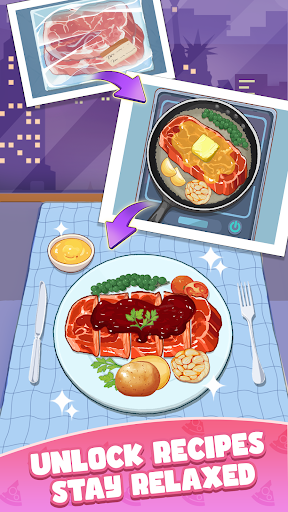
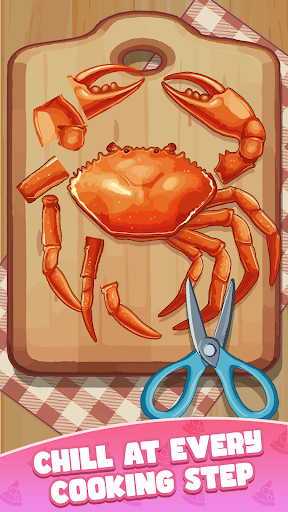
ดาวน์โหลด ดินแดนทำอาหาร - Cookingdom บน PC
-
![ดินแดนทำอาหาร - Cookingdom PC]()
1. ดาวน์โหลดตัวติดตั้ง MEmu และสิ้นสุดการติดตั้ง
-
![ดินแดนทำอาหาร - Cookingdom PC]()
2. เริ่ม MEmu จากนั้นเปิด Google Play บนหน้าแรก
-
![ดินแดนทำอาหาร - Cookingdom PC]()
3. ค้นหา ดินแดนทำอาหาร - Cookingdom ใน Google Play
-
 Install
4. ดาวน์โหลดและติดตั้ง ดินแดนทำอาหาร - Cookingdom
-
5. เมื่อติดตั้งเสร็จให้คลิกที่ไอคอนเพื่อเริ่มใช้งาน
-
![ดินแดนทำอาหาร - Cookingdom PC]()
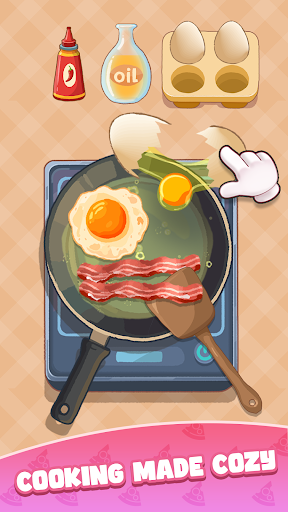
6. สนุกกับการเล่น ดินแดนทำอาหาร - Cookingdom บนพีซีด้วย MEmu