İndiriliyor...
İndirme başlamazsa, buraya tıklayın
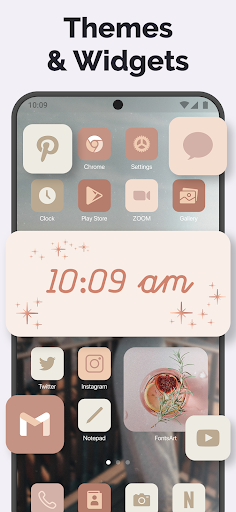
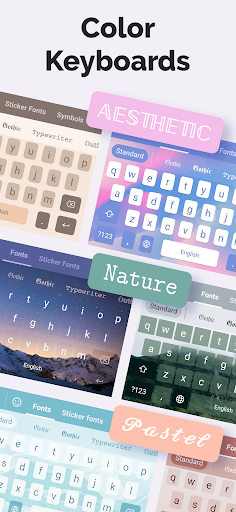
PC'de Fonts Art: Cute Keyboard Font nasıl indirilir
-
![Fonts Art: Cute Keyboard Font PC]()
1. MEmu yükleyicisini indirin ve kurulumu tamamlayın
-
![Fonts Art: Cute Keyboard Font PC]()
2. MEmu'yu başlatın ve ana sayfada Google Play'i açın
-
![Fonts Art: Cute Keyboard Font PC]()
3. Google Play'de Fonts Art: Cute Keyboard Font arayın
-
 Install
4. Fonts Art: Cute Keyboard Font indirin ve yükleyin
-
5. Kurulum tamamlandığında başlamak için simgeye tıklayın
-
![Fonts Art: Cute Keyboard Font PC]()
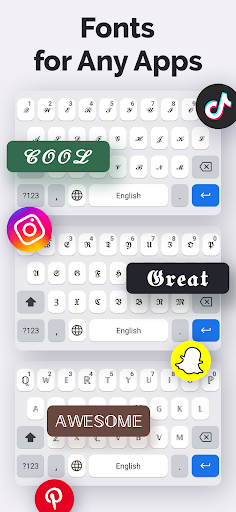
6. Fonts Art: Cute Keyboard Font'i PC'de için MEmu'yu kullanın









sıcak konular